If you’re about to open an SCC template and wondering whether you’ll need another paid subscription, you can put that question aside. All Skincare Content Club templates work with Canva Free.
You can change the wording, add your photos and download a finished post with a free account. We’ll look at what that covers, when a paid feature might be useful and what to check if Canva shows you a payment message.
If you want to add your business name, photo and booking details, try that in Canva Free first. You’ll be able to judge an upgrade more easily once there’s a particular paid feature you want to use.
What can you change in your skincare templates with Canva Free?
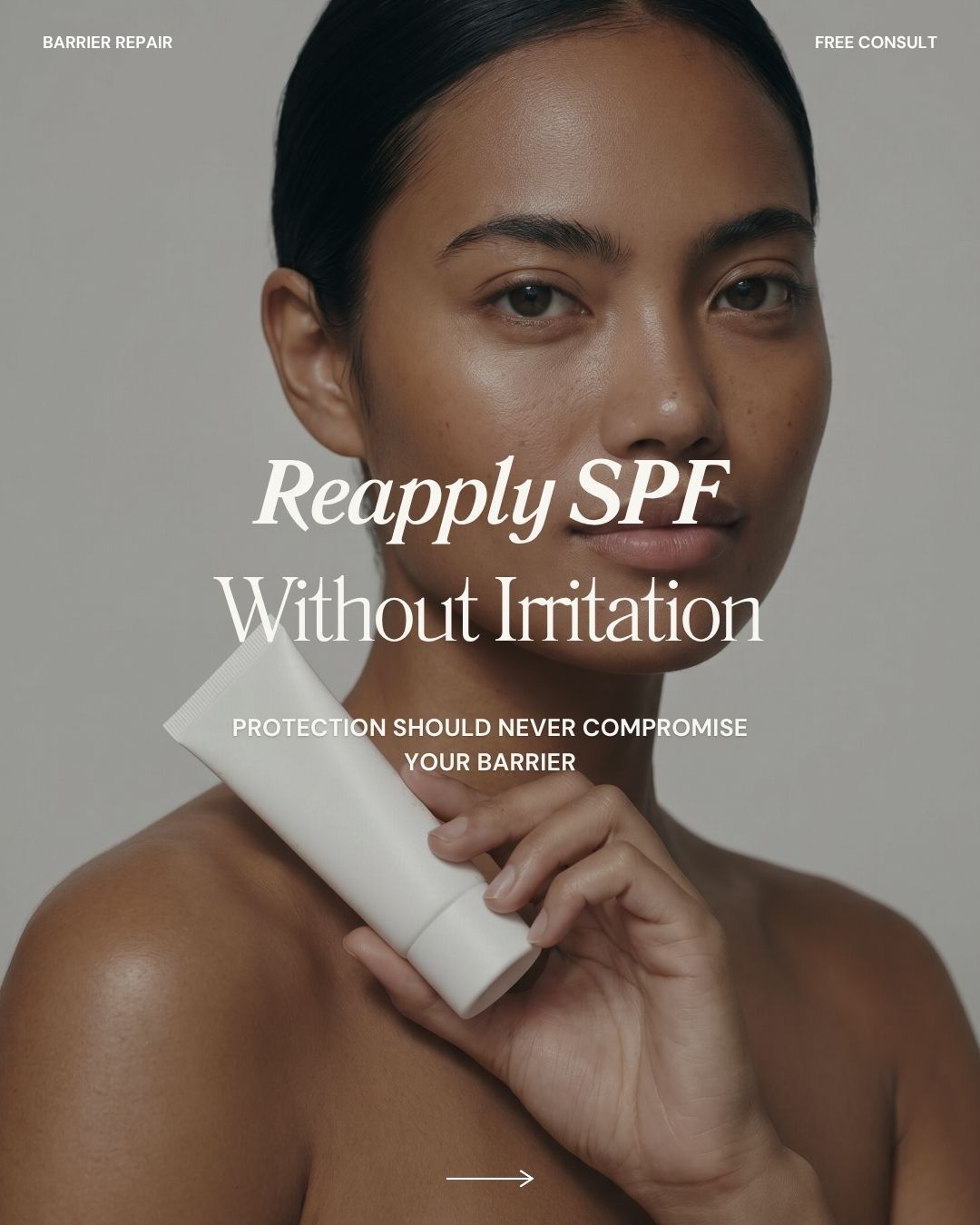
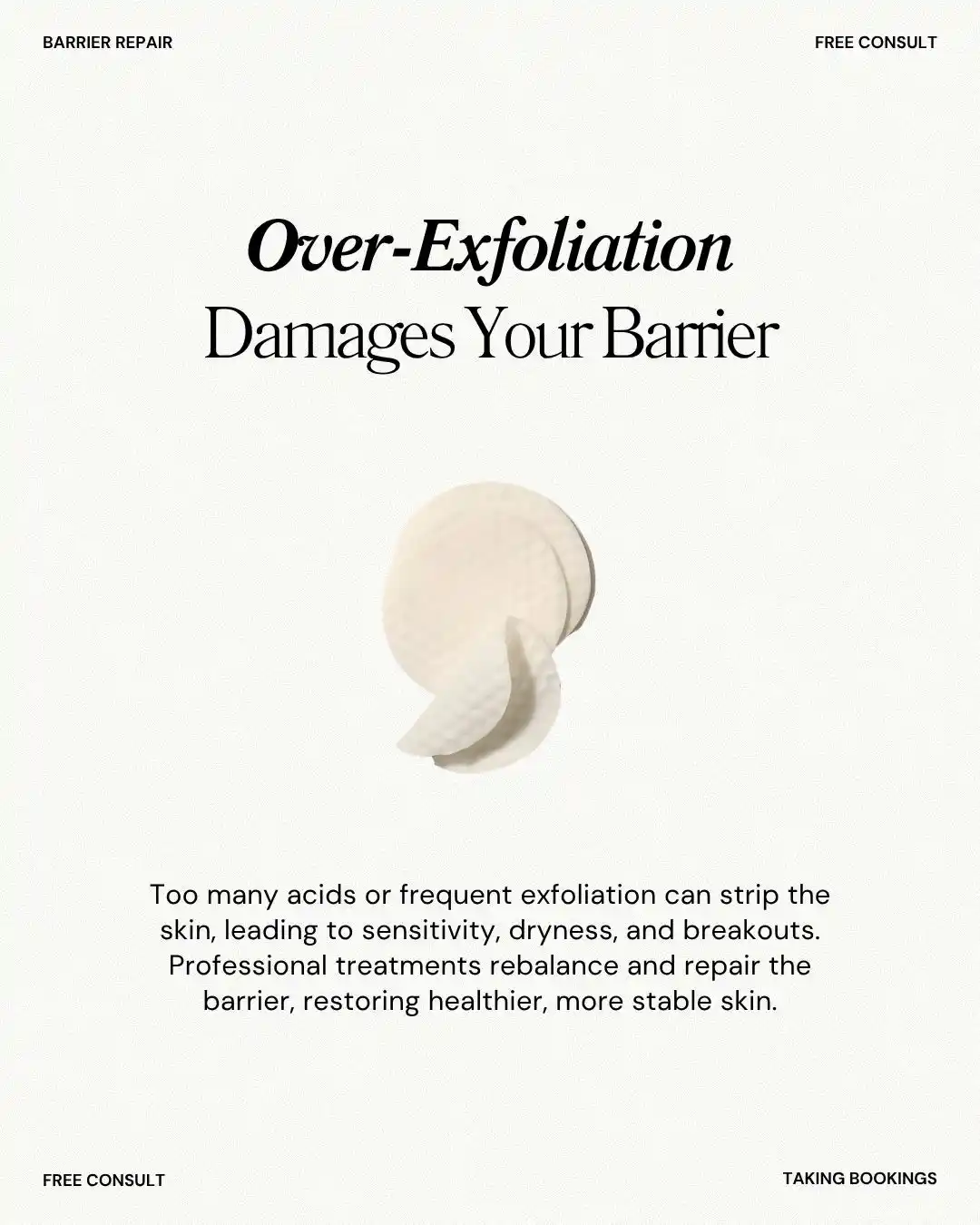
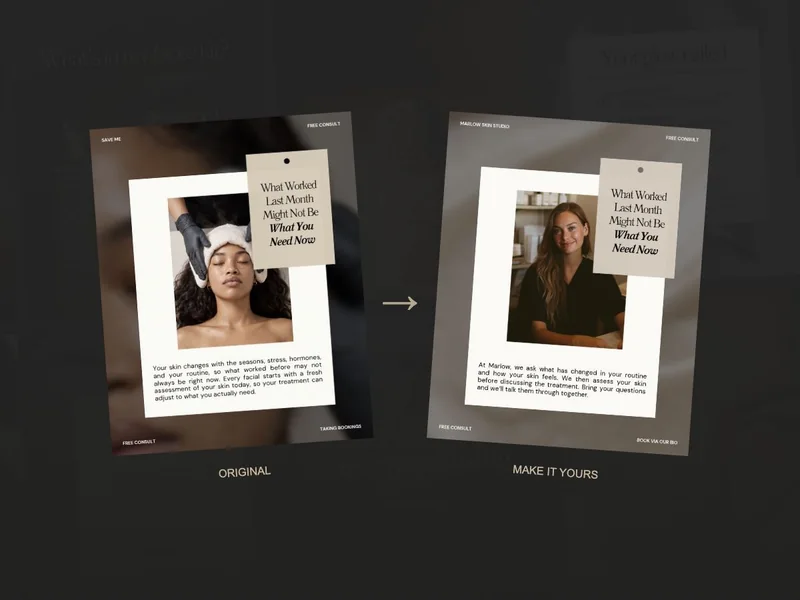
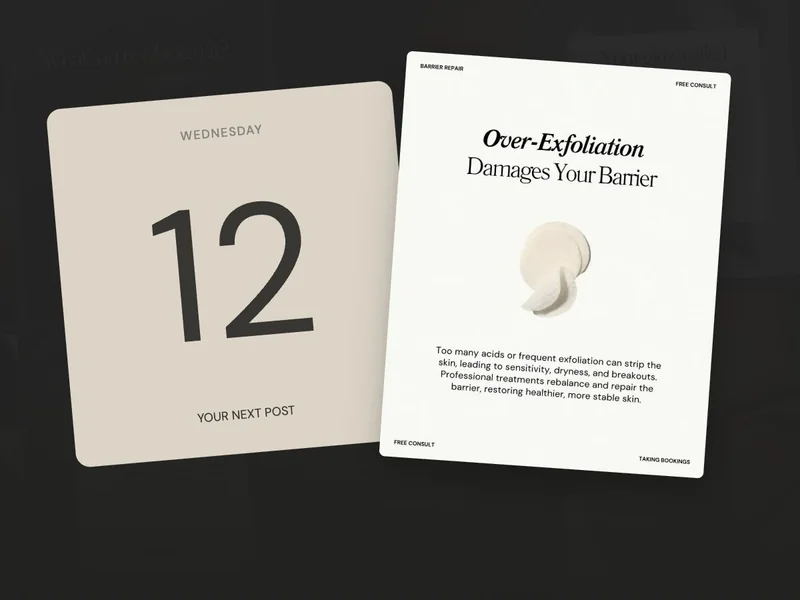
Here are two SCC templates you could work with. In either one, Canva Free lets you make the changes that help the post feel like your business:
- Your words: change the business name, service explanation and booking instruction.
- Your photos: upload your own image and place it in the design.
- Your style: change colours and choose fonts available to your account.
- Your finished post: download the design as an image to publish.
If you’d like to follow along, our customisation guide shows those changes on a complete post. You can learn the controls you need as you go.
When might Canva Pro help your skincare business?
Paid tools can be useful when they remove a task you repeat often. Canva’s Pro feature page lists tools such as background removal, resizing and brand features, alongside premium content.
You keep making different sizes
If you often turn one design into several sizes, a resizing tool may save you a repeated step. You’ll still want to look over each version afterwards to check that the layout fits.
You use paid assets or tools often
You might find that a particular paid asset or tool becomes part of your regular work. That’s a useful reason to compare the current plan and price, because you know what you’d use it for.
Try your usual task before deciding. If Canva Free already lets you finish it comfortably, you can keep using that workflow even though the posts are for your business.
Why might Canva ask you to pay?
A payment message can be confusing when you started with a free-compatible template. One thing to check is whether you’ve added an item from Canva’s Pro collection while editing.
Look at which item the message names. You can remove it or replace it with your own upload or an available Free option. Canva’s content guidance explains the difference between Free and Pro assets.
Scheduling is another separate feature. Canva’s Instagram scheduling tool has paid-plan and account requirements. You can still make your post with Canva Free and publish it another way.
Try making your next skincare post with Canva Free.
For your next post, open the template, change your details and download the result. Check it on your phone. Finishing that one job will tell you more about what you need than a long list of features.
You might also discover that the design is the easy part and it’s the wording or planning that slows you down. In that case, our caption guide or content plan may be a more useful next step.
Keep working with the tools that let you finish your posts. When you can point to a repeated task a paid feature would help with, you’ll have a clearer basis for deciding whether to add it.