
You’ve decided to get more organised with Instagram, but now you’re comparing content calendars and scheduling tools. They can look similar, especially when both show your posts arranged by date.
The useful distinction is what they help you do: a content calendar helps you plan the message, while a scheduler publishes posts you’ve prepared. We’ll follow one skincare post through both stages so you can see where you need support.
Plan your skincare content
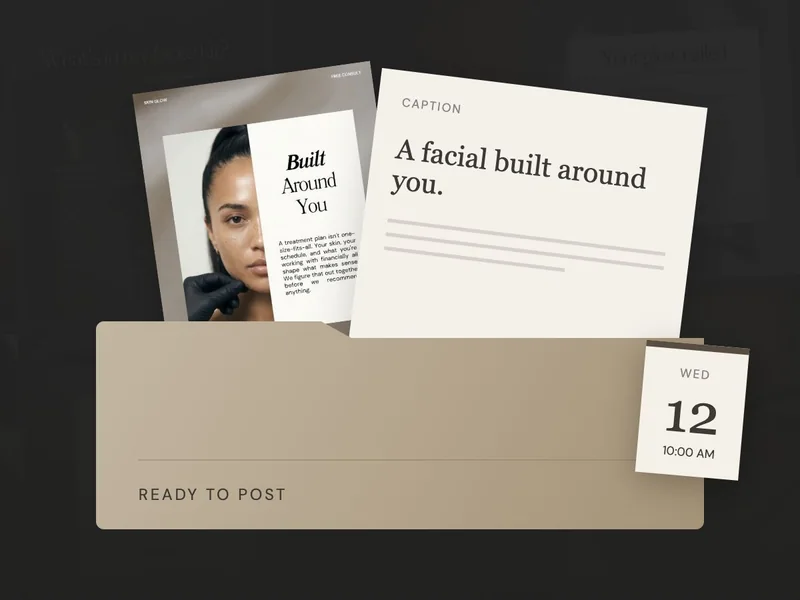
“On Wednesday, explain what happens at a first facial.”
Choose the message.Schedule your finished posts
“Publish this finished image and caption on Wednesday.”
Arrange the publishing.Some tools do both jobs. When you’re looking at a calendar-shaped screen, check what’s actually included: does it help prepare the content, publish it, or both?
Plan a skincare post, then schedule it.
- 1. Plan the topic.
Imagine clients keep asking about cleansing. You decide to make a post explaining your approach to choosing a cleanser and give it a place in your plan.
- 2. Prepare the post.
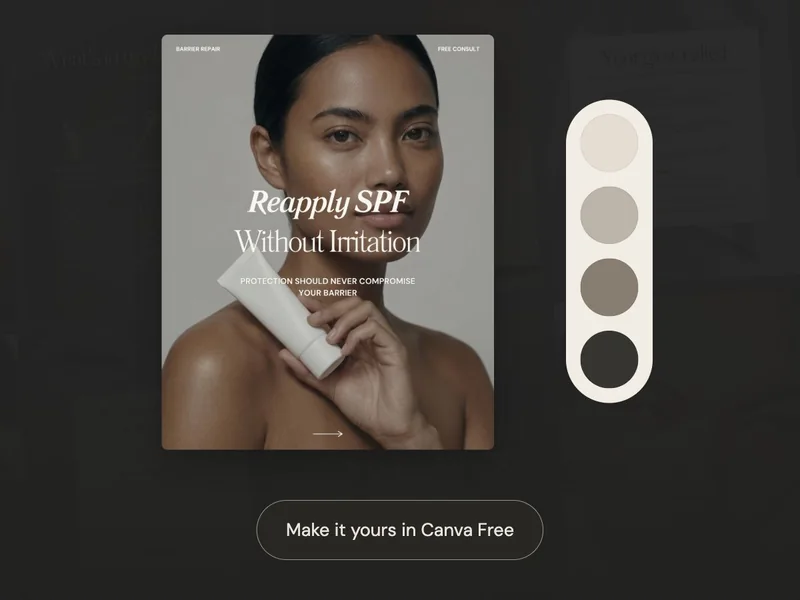
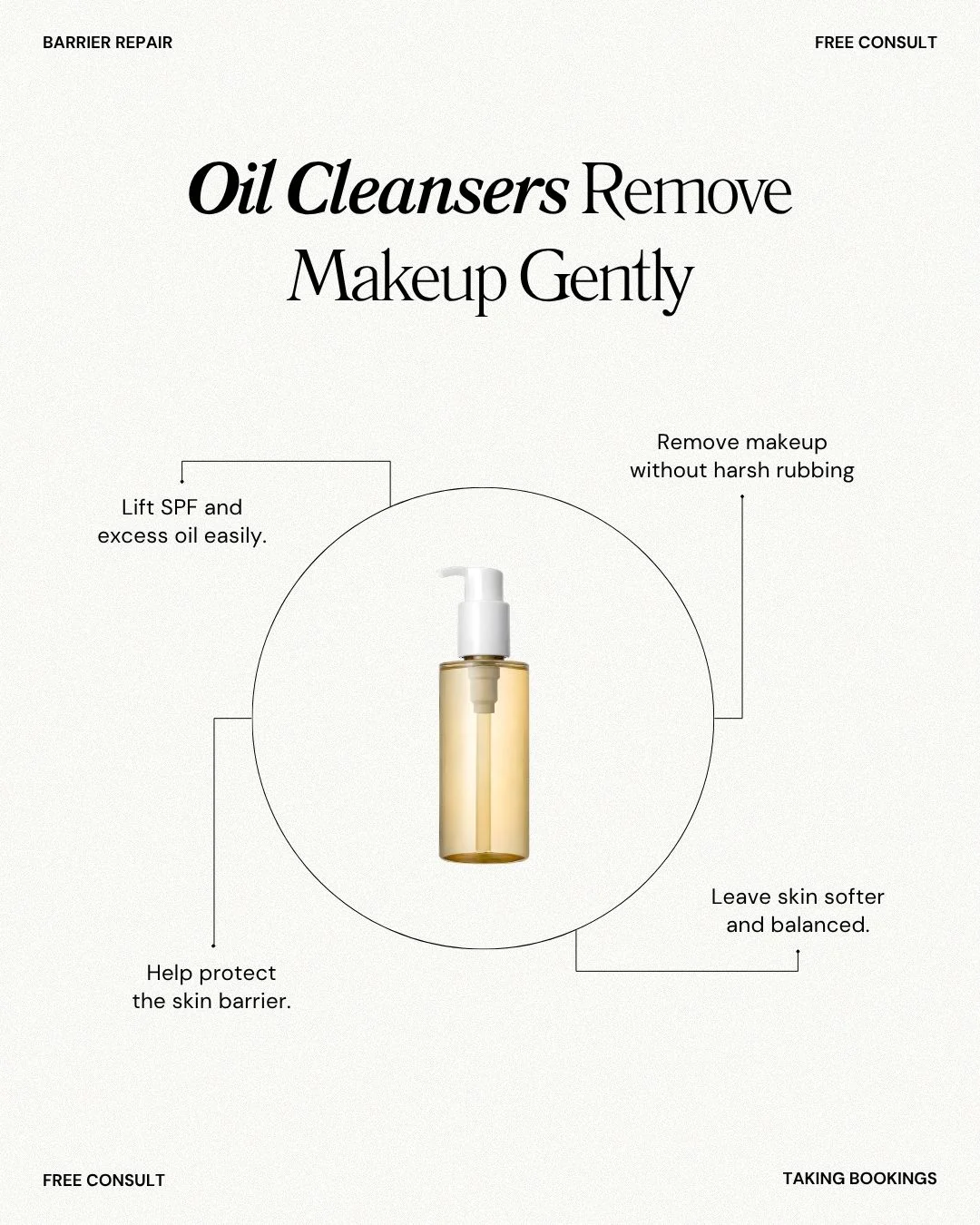
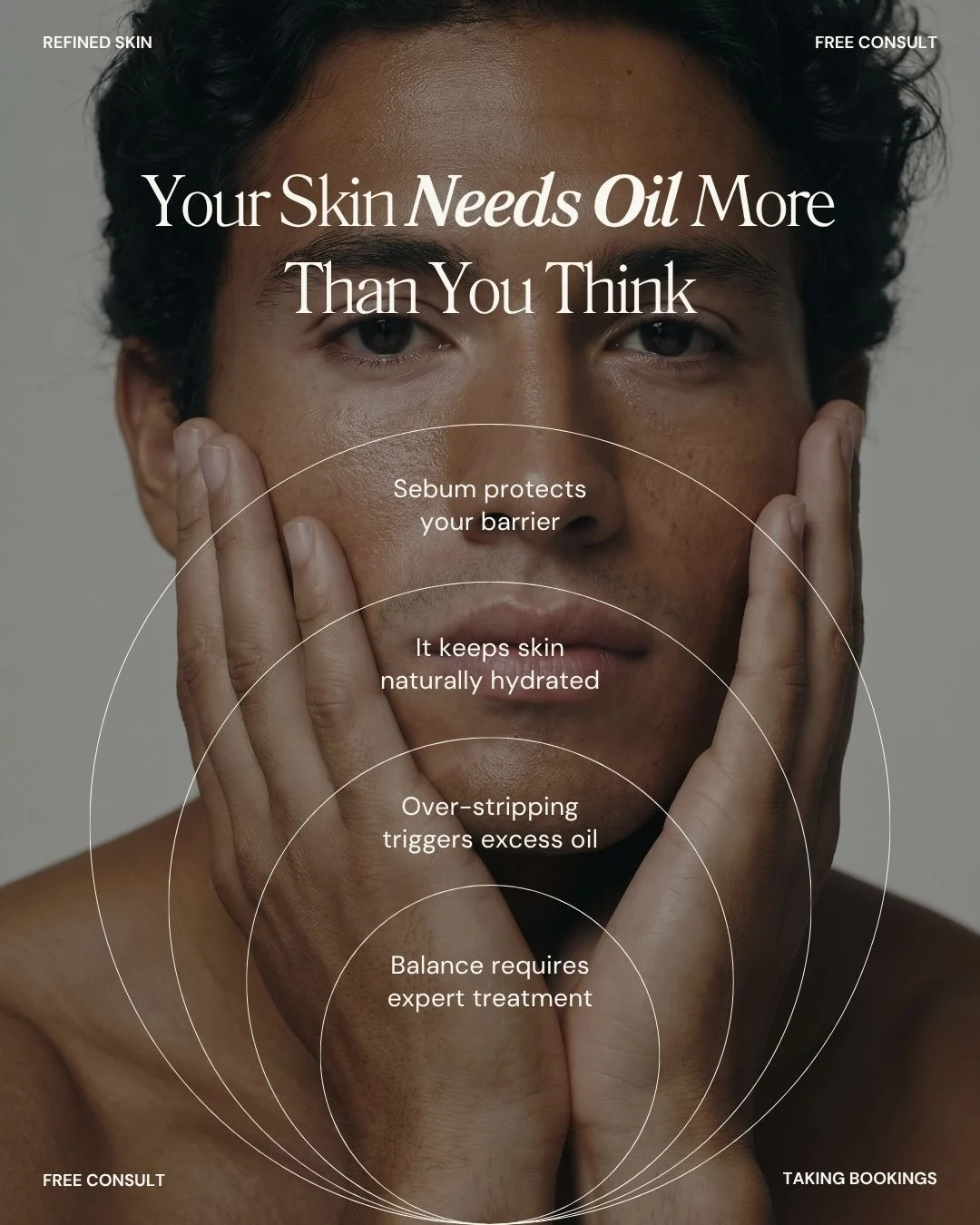
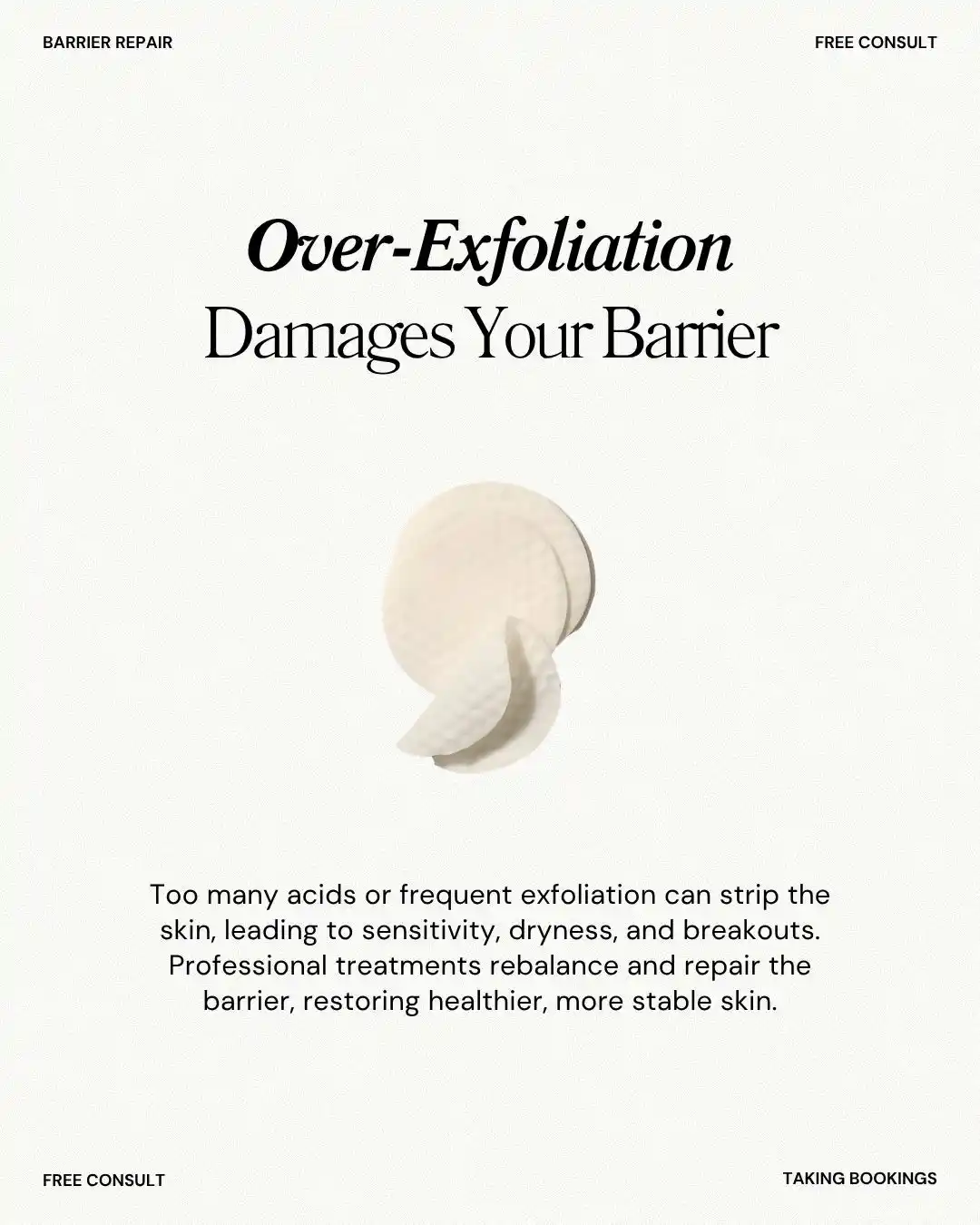
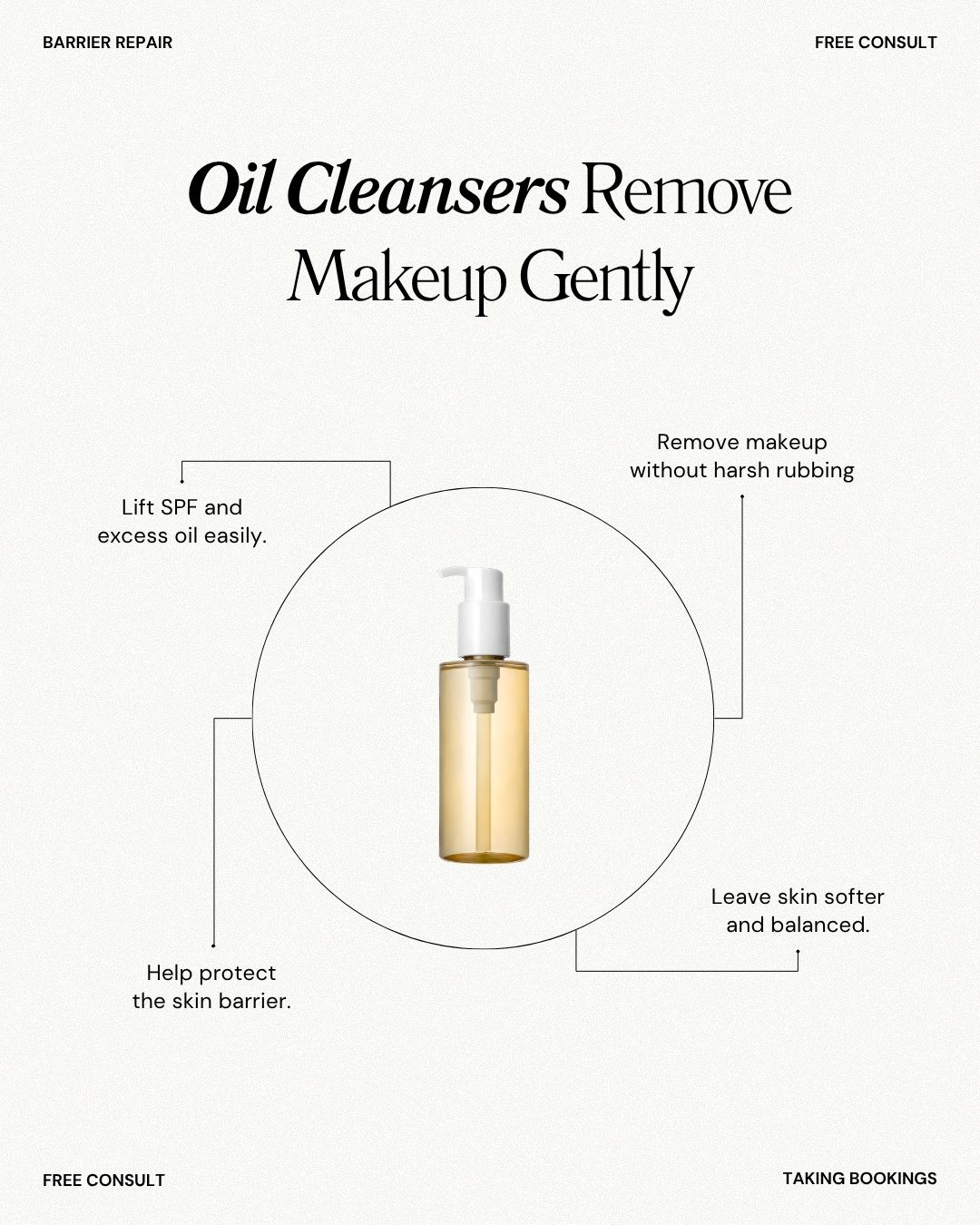
You could start with the oil-cleanser design below. Read through the wording, add your own explanation in the caption and tell clients how to ask you about their routine.
- 3. Set up publishing.
Once the post is ready, upload the finished image and caption to your scheduler. Check the preview, then choose the date and time you want it to go out.
- 4. Check what happened.
After that time, check that the post went live correctly. Read any questions people leave; they might give you something useful to explain in your next post.
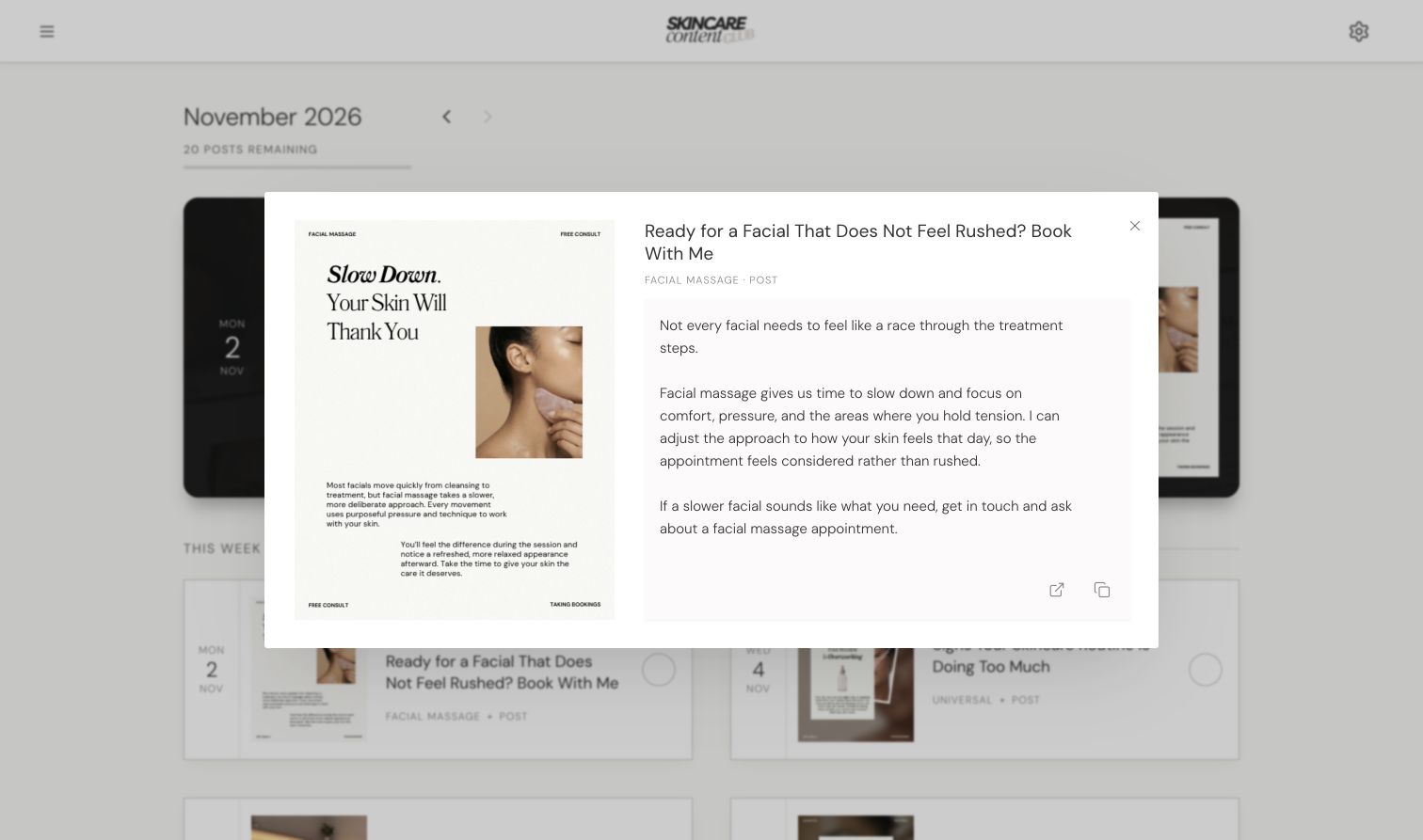
How do you choose a scheduler for your skincare business?
Your account and formats
Before moving your content into a tool, check whether it supports your account and the formats you use. Some Stories or Reels may need a reminder or a final step in the social app.
Your workload
Think about how much you want to prepare ahead. Check the number of queued posts and connected accounts included, along with any features that would cost extra.
For example, Buffer’s Free plan currently lists three channels and ten queued posts per channel, with spaces available again as posts publish. That is a queue limit, not ten posts for an entire month.
Canva’s scheduling guidance lists paid-plan and Instagram account requirements. That is separate from editing SCC templates, which works with Canva Free. Check the current requirements before connecting an account.
How does SCC help you plan your skincare posts?
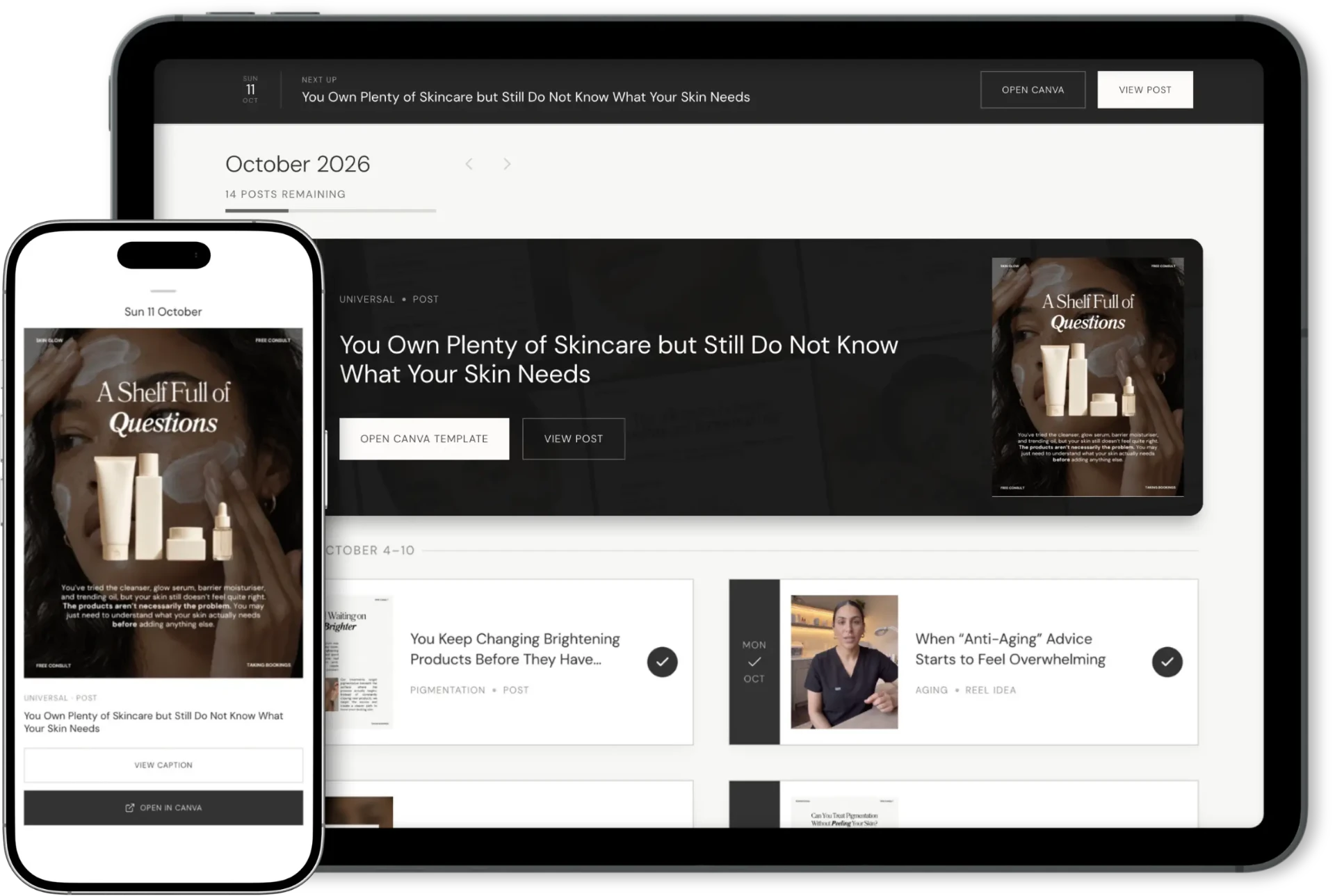
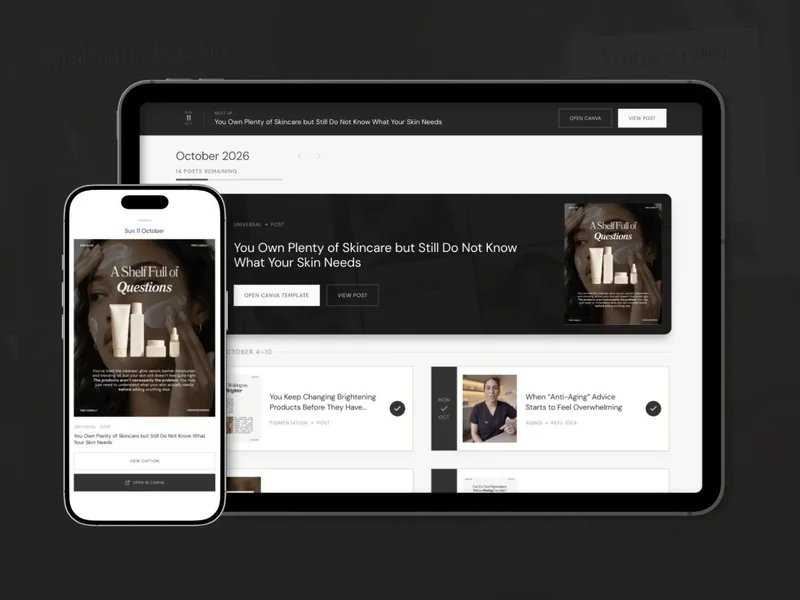
If choosing and preparing posts is where you get stuck, SCC’s calendar gives you content and captions to start with. You can also include Reel ideas and filming guidance. You’ll personalise the material and record your own footage where needed.
When your posts are ready, you choose how to publish them. SCC doesn’t automatically send them to Instagram; you can post manually or move the finished content into a separate scheduling tool.
Still deciding what to say? Start with planning your month. If you already have posts ready, check a scheduler’s account and format support, then try scheduling one before moving the rest across.
Your setup can stay simple. Use a plan that tells you what needs preparing and a publishing method that fits your week. You can add more tools when there’s a clear job for them.