You’ve written a useful answer to a client question, but it feels wasteful to use it once and immediately start searching for another idea. You can give that answer another useful form without inventing a new subject.
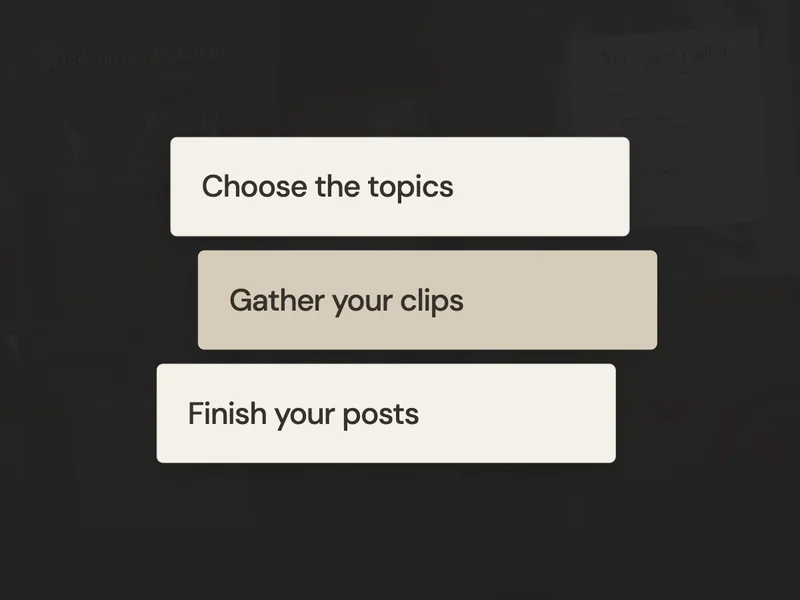
We’ll take one question through a Reel, a carousel and a Story. You’ll see what stays the same, what changes for each format and how to choose the version you can make first.
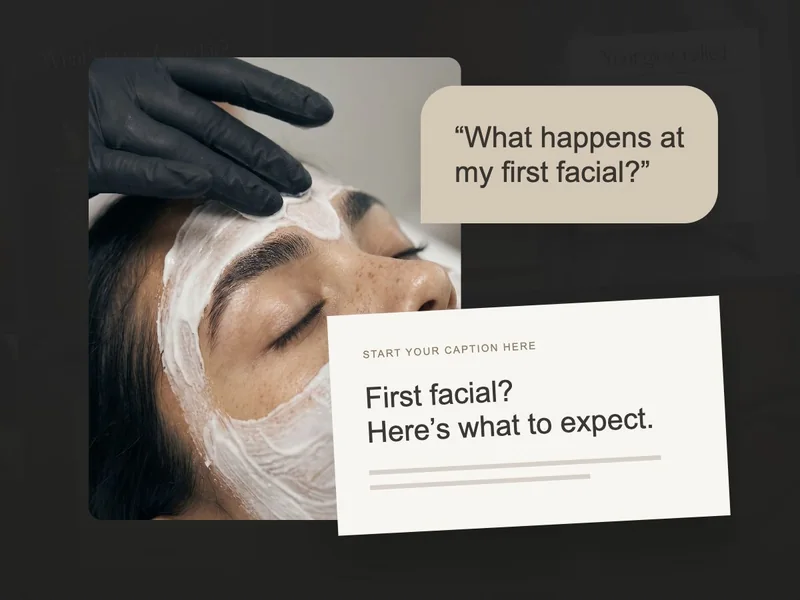
Start with one question a facial client might ask
Before opening an editor, write the answer you’d give in person. Here’s the one we’ll use for an example studio that offers a first-visit consultation:
We’ll keep those facts consistent in all three posts. Each format gives the reader a different way into the same answer, so you don’t need to add new promises or extra treatment advice to make it feel different.
If your studio handles first visits another way, change the answer now. You might invite a message before someone chooses a service, for example. That becomes the version you carry through every format.
Make a Reel that shows the first visit
For the Reel, give the viewer something relevant to watch while you answer. Try your doorway, consultation space and a clip of you getting the room ready. This supporting footage is called b-roll, and it can sit behind a voiceover or on-screen words.
1 · Doorway
On screen: “Not sure which facial to book?”
2 · Consultation space
Voiceover: “Start with our first-visit consultation. We’ll talk about your skin and your routine.”
3 · Prepared room
Voiceover: “Then we’ll explain your options. You’ll find First Visit through the link in our bio.”
Leave each shot on screen long enough for its sentence. You can record your voice afterwards if that feels easier than talking to camera. Our phone filming guide will help you collect the clips.
Make a carousel people can read one step at a time
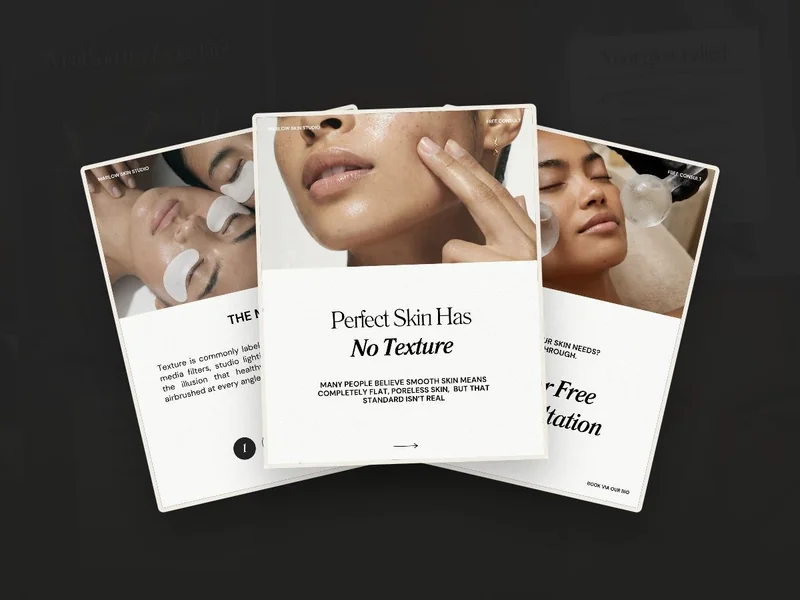
A carousel lets someone read the explanation at their own pace. Here’s a real five-slide carousel from the SCC membership: “What to expect during your first facial.” It introduces the visit, explains the consultation, treatment and aftercare, then offers a way to book.
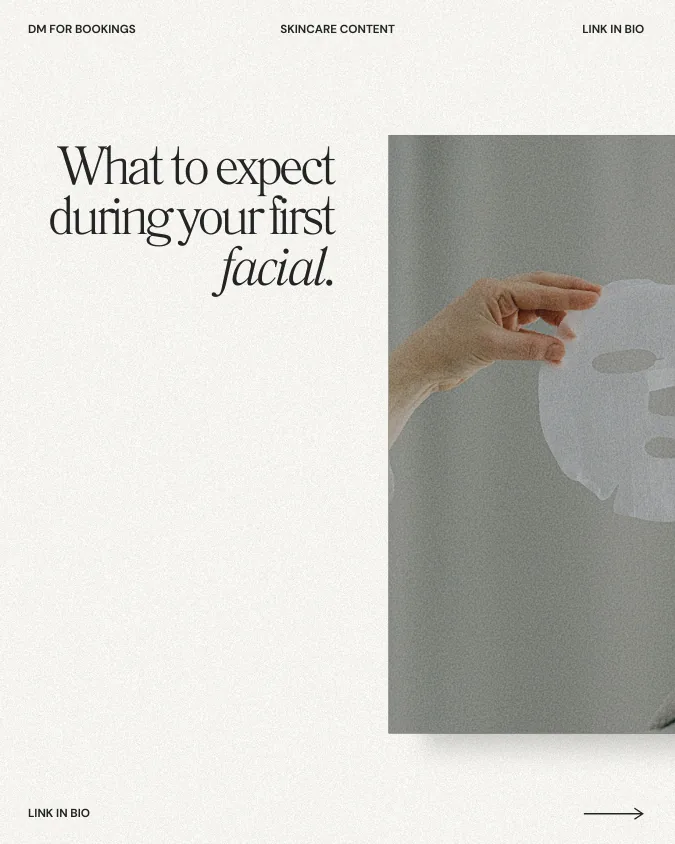
Start with the question the next slides will answer.
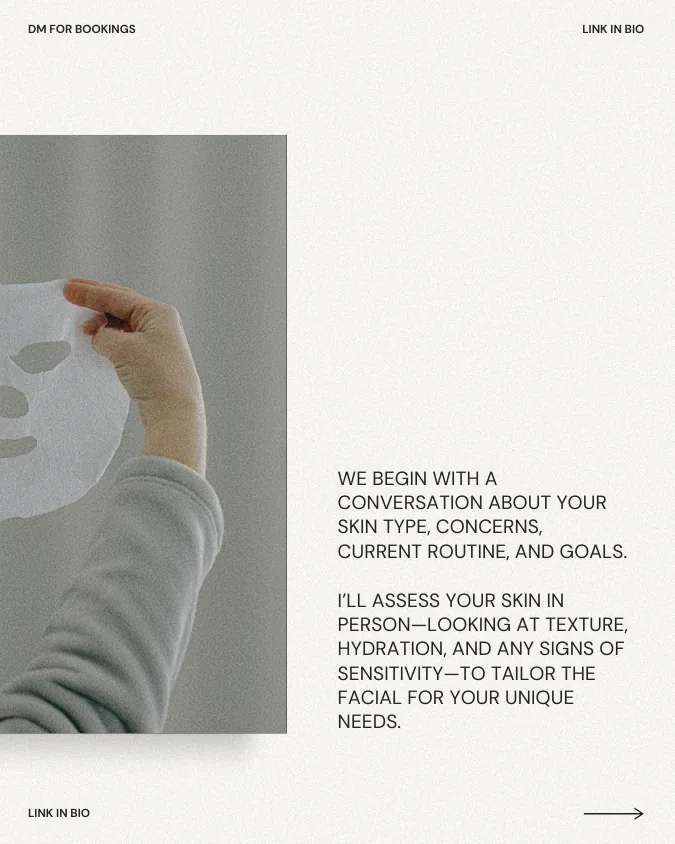
This is the part that answers our client’s question: the appointment begins with a conversation.
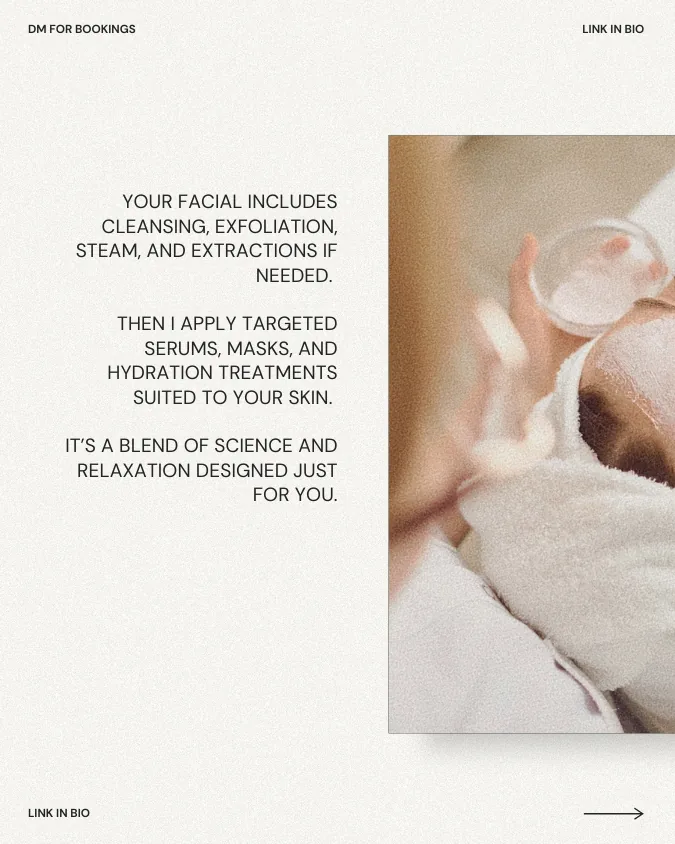
Give the reader a clear picture of what happens next. Match the steps to your own service.
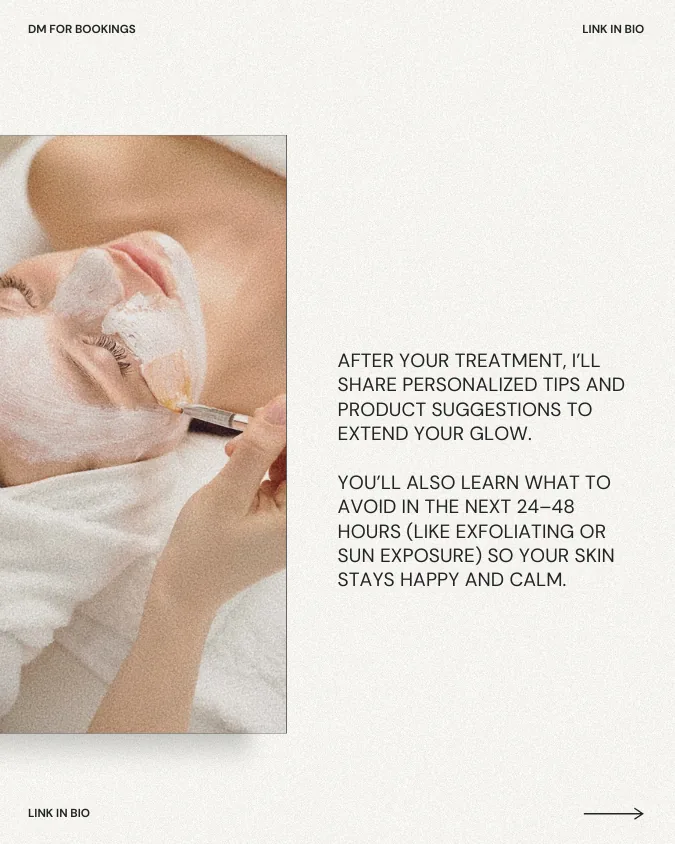
Show that the explanation continues after the appointment. Use advice that fits the treatment you offer.
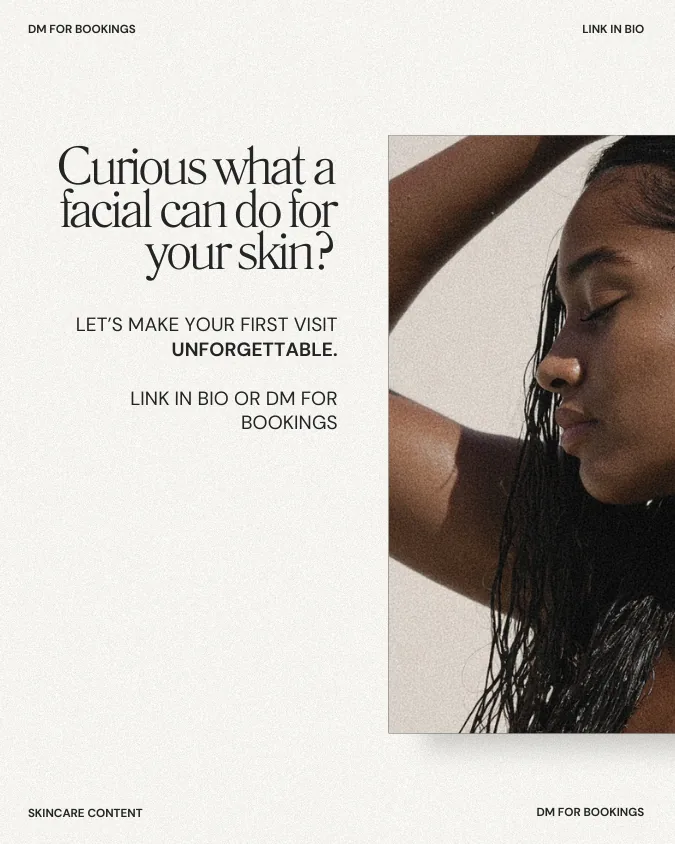
Make the booking route easy to find, using the service name and link your business actually uses.
To use this design for our original question, change the cover to “Not sure which facial to book?” Then put your answer on slide two: “Start with a first-visit consultation. We’ll talk about your concerns and routine, then explain your options.” Keep the treatment and aftercare pages relevant to your service, and finish with your First Visit booking instructions.
The design gives you the structure. The answer, service details and booking route should match the Reel and Story you’re making from the same question.
If you’d like help putting those pages together, our Canva carousel walkthrough covers arranging and downloading the slides.
Use a Story for a shorter answer and a next step
Screen 1
“First facial with us? Not sure what to choose?” Pair it with your own room photo.
Screen 2
“Start with First Visit. We’ll talk through your concerns and options.” Add a link sticker labelled “First-visit appointments”.
Tap the sticker before sharing to check that it opens the right service. This shorter version can help a follower who already knows you and just needs a reminder of where to begin.
You can spread these versions across different days and use only the ones that fit your workload. Keep space in your plan for other questions too.
When you return to an answer later, check the details again. Prices, service names and booking routes can change even when the question is still relevant.
Pick a question you answered this week and write the response in your own words. Then choose the easiest format to make with the material you have. You can save the other versions for later instead of starting from scratch each time.