You have a few clips of your treatment room or work, but the video doesn’t yet explain what someone is seeing. A voiceover lets you add that explanation in your own words, recorded separately from the appointment.
We’ll take a short first-visit script, record it on your phone and add it to a Reel in Canva. You can pause, try a sentence again and fit the clips around the finished recording.
What should you say over a facial Reel?
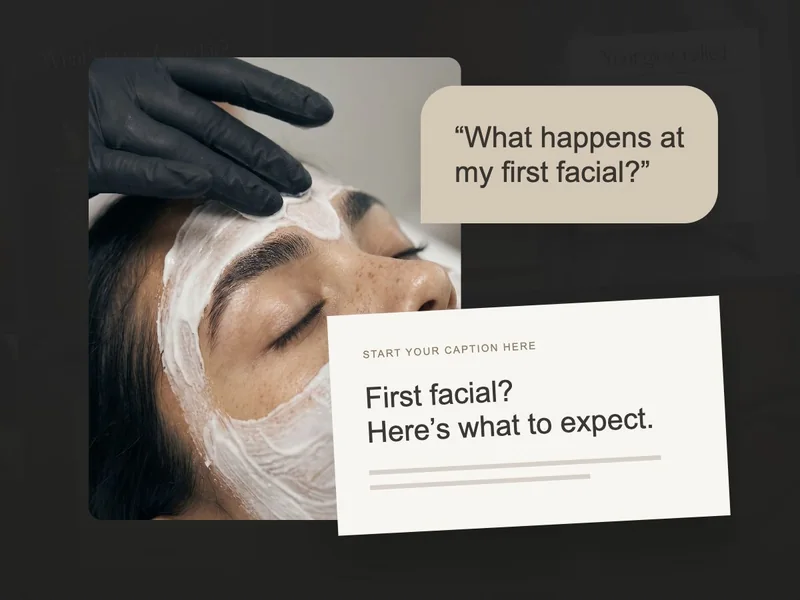
Start with one question your footage can help answer. Write an opening, a short explanation and a next step, then read them aloud. If a sentence feels stiff, try the words you’d use with a client in front of you.
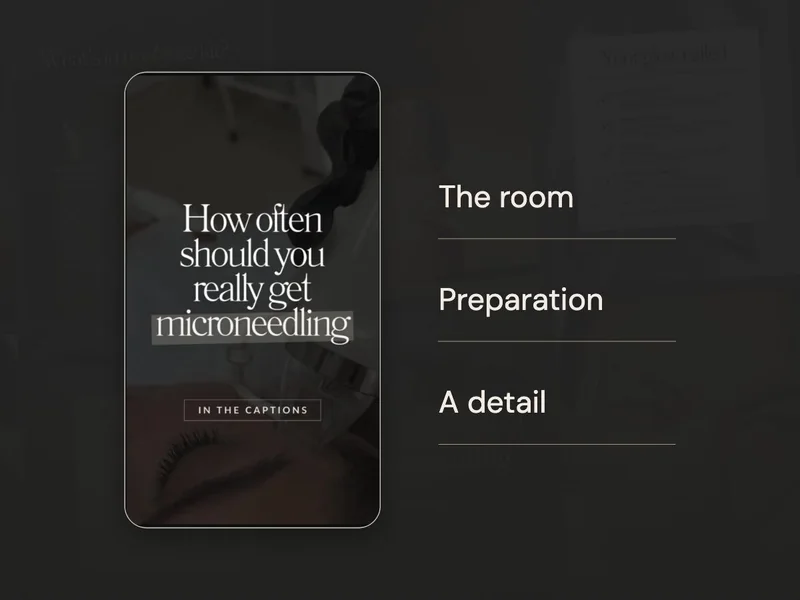
Use the example where it matches your appointment process, and change anything that doesn’t. You could show your room during the opening, the consultation space during the explanation, and yourself or the prepared bed for the final line.
As you plan the shots, check that they support what you’re saying. A consultation explanation is easier to follow when the viewer can see the relevant space or activity.
Record your voice before editing the video
- Find a quiet place. Turn off background music. Keep roughly the same distance from your phone throughout the recording.
- Open your phone’s voice recorder. Record the script as if you are explaining it to one client. A short pause between sentences makes editing easier.
- Listen once. Check that every word is clear and that the recording does not cut off the start or end. Re-record a sentence if needed.
- Save the audio file. Give it a clear name such as first-visit-voiceover. Canva accepts common audio formats including MP3, M4A and WAV.
You can also use Canva’s own recording tools where available. Canva’s voiceover help describes the in-editor route. The controls shown can differ between editors; a saved audio recording gives you another way to add your own voice.
Add the recording to your Reel in Canva
Once you’re happy with the recording, open your vertical Reel design with the clips in order. We’ll add the audio, then adjust the footage around it.
1 · Upload the recording
Open Uploads → Upload files and select your saved recording. When it’s uploaded, look for it in the Audio tab within Uploads.
2 · Put it on the timeline
Select the recording to add it to your design. Move it along the timeline until the first sentence starts where you’d like it.
3 · Match the shots to the words
Play the video through and notice whether each sentence matches the shot beneath it. Trim or extend the clips as needed. You can remove spare pauses while leaving enough room for the explanation to sound comfortable.
4 · Make your voice easy to hear
Select an audio or video track to adjust its volume. If the original clip sound or music competes with your voice, turn it down, then listen again on your phone.
If you need help with the controls, Canva’s audio editing instructions cover trimming and volume. If your recording runs longer than the Reel, try shortening the script or extending a suitable clip so you don’t have to rush the words.
Check the sound, add captions and export
Now make the explanation work with the sound off. Add readable captions, and check every sentence if you use automatic ones, especially service names. You can also type a few short on-screen lines yourself.
- Listen with sound on. Can you hear every word without turning the volume all the way up?
- Watch with sound off. Do the captions explain the main point? Check that Instagram’s interface will not cover them.
- Check your closing line. Use your actual service name and booking route.
- Download the video. Choose MP4 Video in Canva’s download options. Open the saved file and watch it all the way through.
Your recording can sound like you. The useful part is a clear answer that helps someone understand the visit, with words they can hear or read comfortably. Once you’ve made this version, you can use the same process for another question.
If you’re still gathering footage, our phone filming guide for facial treatments gives you a small shot list. If the first line is holding you up, try the examples in our skincare Instagram hooks guide.