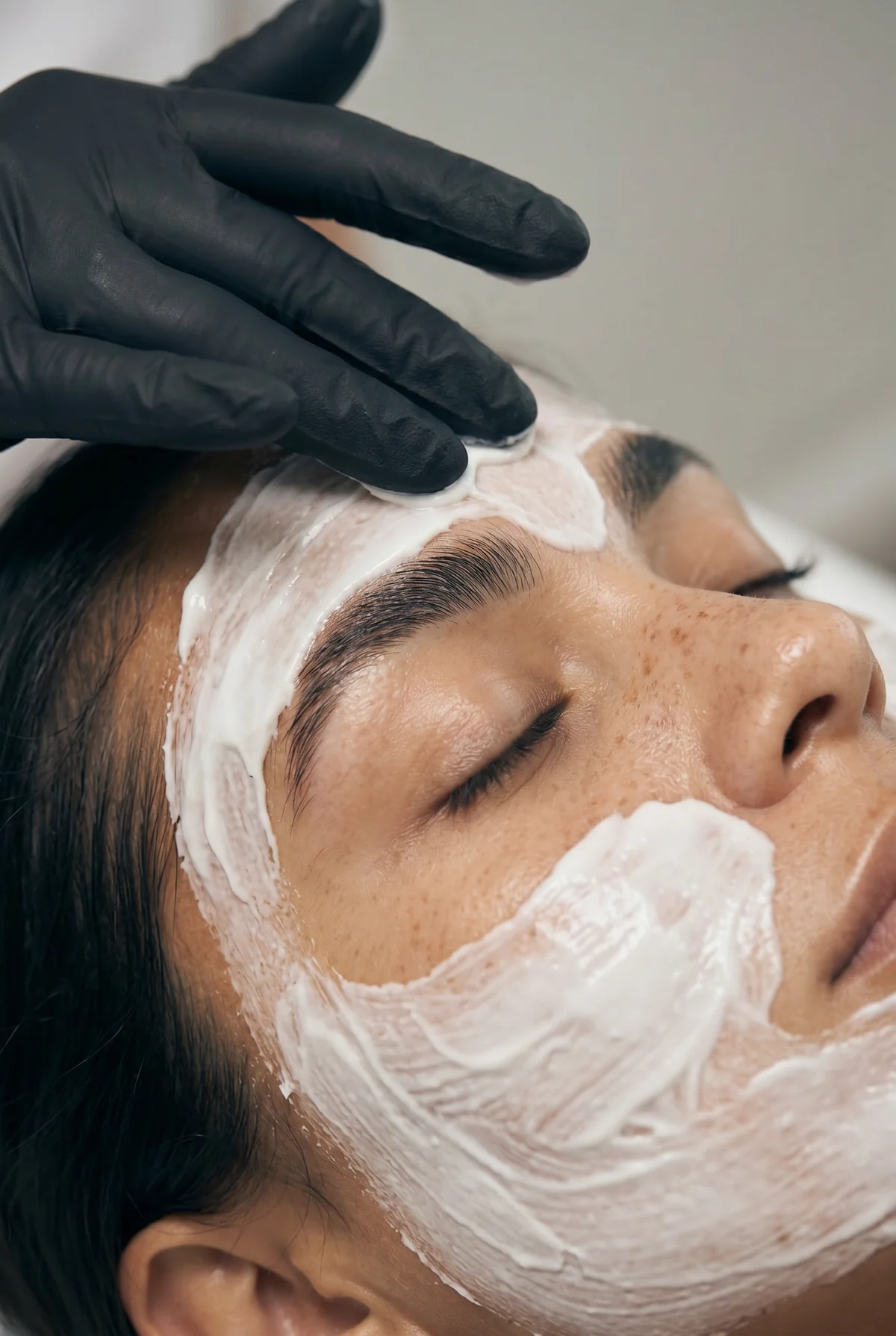
You might be comfortable explaining a facial to a client and still feel awkward the moment a camera points at you. Having something useful to share doesn’t mean you’re ready to deliver it on screen.
You can start with footage of your work instead. We’ll show you how to pair a few treatment clips with text or a voiceover, using a real SCC Reel and two scripts you can adapt.
Start with footage of work you already do
The supporting footage is often called b-roll. For your business, that could be hands applying a mask, a treatment bed being prepared or your setup before a visit. It gives the viewer something relevant to watch while you explain.
- Before
- Film your room ready for an appointment, fresh towels or your setup.
- During
- Capture one recognisable part of a treatment, with the client’s permission to film and share. Set the phone up so recording doesn’t interrupt your work.
- After
- Show the finishing touches or your consultation space. You don’t need a before-and-after result.
To begin, collect three or four clips with your phone held upright. Keep each shot steady for a few seconds and leave some room around the action for text. You can work with a small set of useful shots.
See how a library Reel uses treatment footage
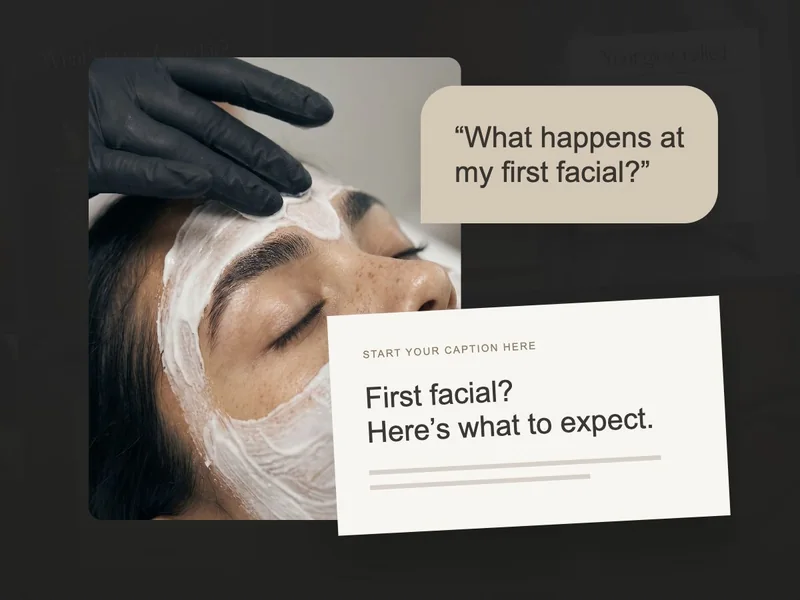
Let’s look at a Reel from SCC’s microneedling library. It places a client question over treatment footage. The viewer can see the subject straight away, while the headline gives them a reason to keep watching or open the caption.
You can use that same approach for a service you offer. Choose a question you often answer, then explain it in the caption or record yourself talking through it over your footage.
Give the footage a reason to be watched
Once you have a clip you like, think about what a client might want to know while watching it. A clear opening line helps them make sense of the footage. Here are a few ways to connect the two:
- Room setup
- “Nervous about your first facial? Here’s where we start.”
- Consultation
- “Not sure which facial to book? You don’t have to guess.”
- Treatment clip
- “Ever wondered what’s happening at this part of your facial?”
- Products laid out
- “Why I ask about your home routine before we begin.”
Choose one of those questions for your first Reel. Give yourself enough space to answer it clearly, and save the rest of your treatment menu for other posts.
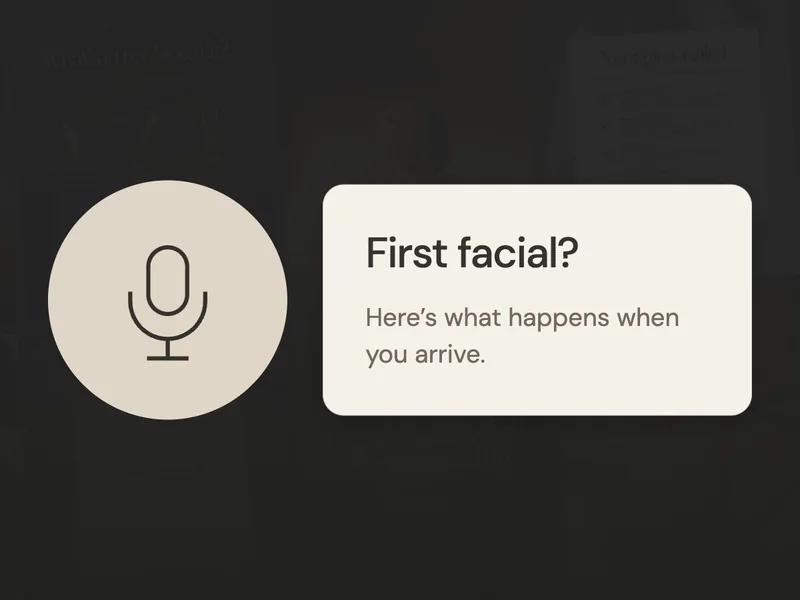
Try a voiceover before talking to camera
Recording your voice separately gives you a little more room to get comfortable. You can keep your notes beside you, pause or try a line again. Picture explaining the subject to one client in your treatment room.
Here are two scripts to help you get started. Read them aloud, then change the wording and appointment details to match the way you work:
“You don’t need all the answers.”
Show: your room, consultation space, then a treatment clip.
“Nervous about your first facial? You don’t need to arrive knowing exactly what your skin needs. We’ll start with a chat about your routine, your concerns and what you’d like help with. I’ll explain the options before we begin. You can find our first-visit appointment through the link on our profile.”
“Why I ask about your routine.”
Show: products, your consultation space and hands preparing for a treatment.
“Before a facial, I ask what you’re using at home. It helps me understand your routine and the questions you have. Can’t remember every product? Bring a photo of what you use. We can go through it together, and you can ask about anything you’re unsure of.”
If you’d prefer to leave your voice out for now, put the main points on screen and use the caption for the rest. The same footage can work either way, so you don’t have to decide before filming.
Put your clips and words together
- Open a vertical video in Canva. Upload your clips and arrange them in the order of your explanation.
- Trim the spare footage. Remove shaky starts and repeated shots. Keep enough time for each line to be read.
- Add your hook. Put it over the opening clip, with strong contrast so it’s easy to see.
- Add your voice, if you want. Record in a quiet room, upload the audio and fit your clips around it. Add captions so the explanation works without sound.
- Export as MP4. Watch it on your phone before posting, including the ending and booking instruction.
Want help deciding what to record next?
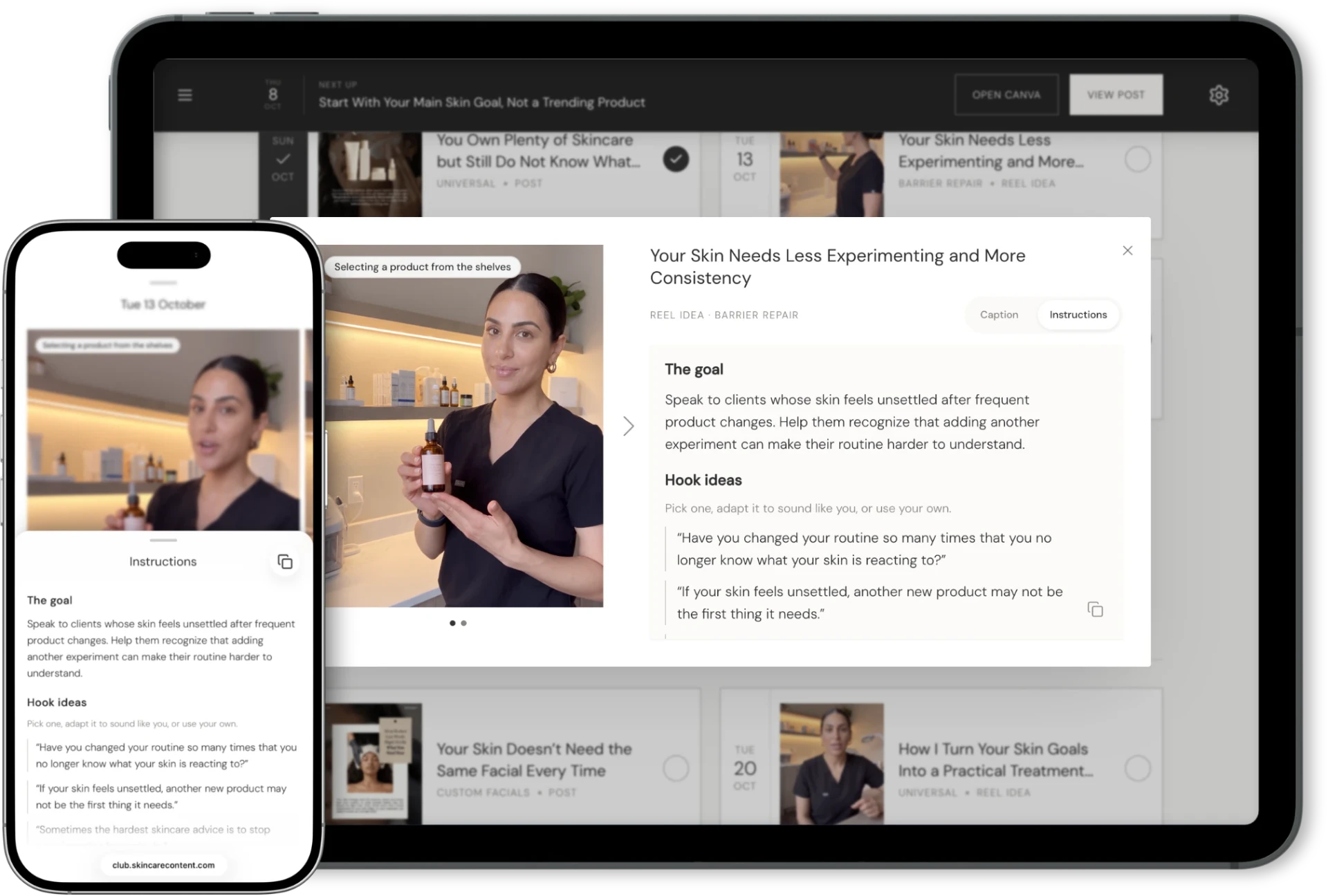
Once you’ve made one Reel, the next question may be what to record after that. SCC’s calendar lets you choose whether to include Reel Ideas. You can add them when you want video prompts, or leave them out while you focus on other posts.
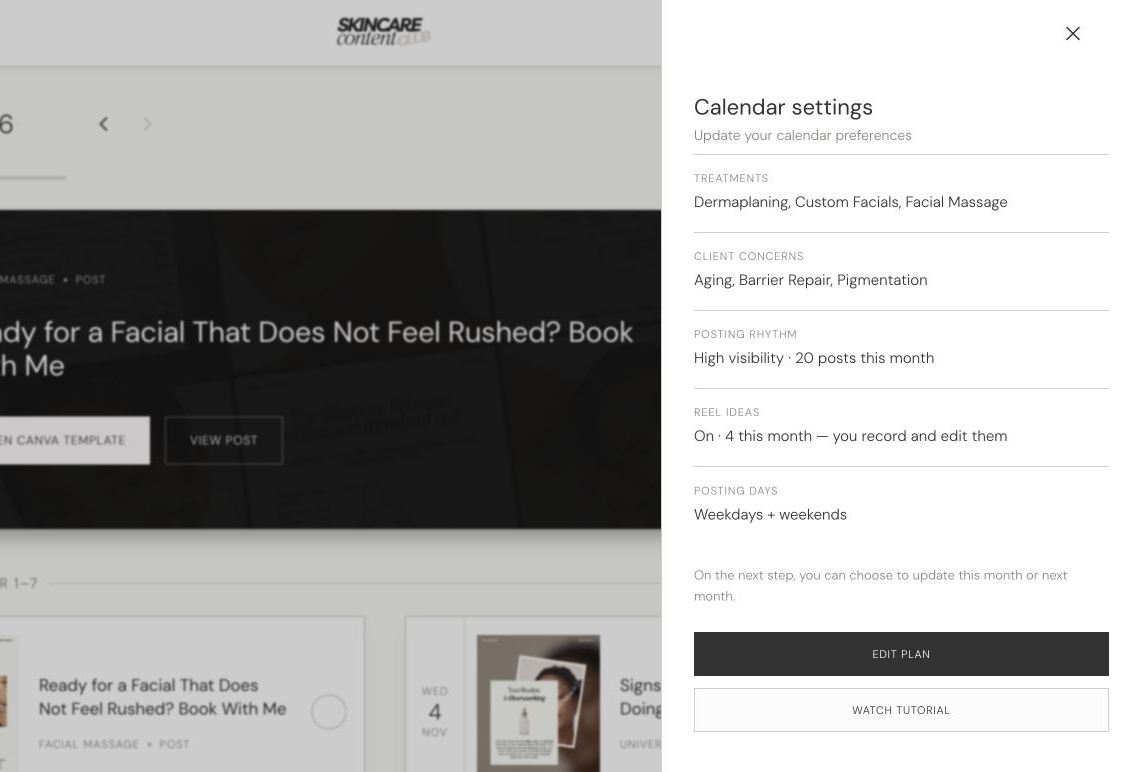
When you open a Reel Idea, the Instructions tab gives you the goal, hook options, talking points, takeaway, call to action and recording idea. You can use those prompts to shape your own explanation.
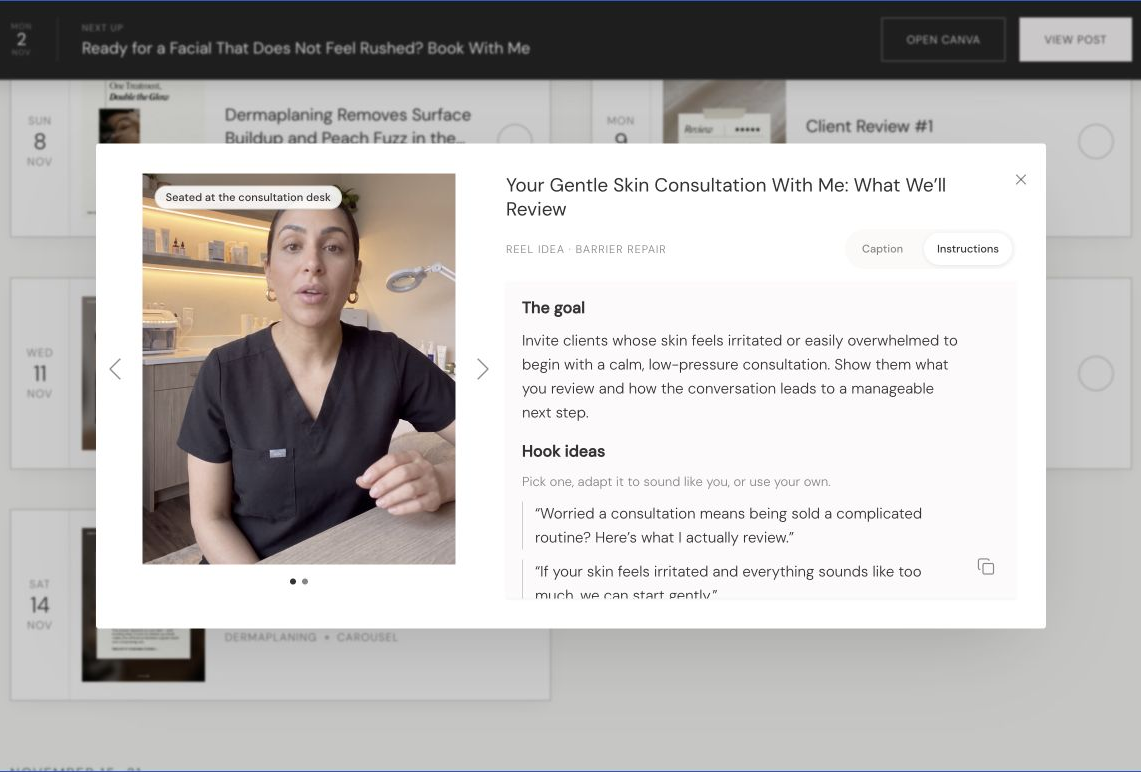
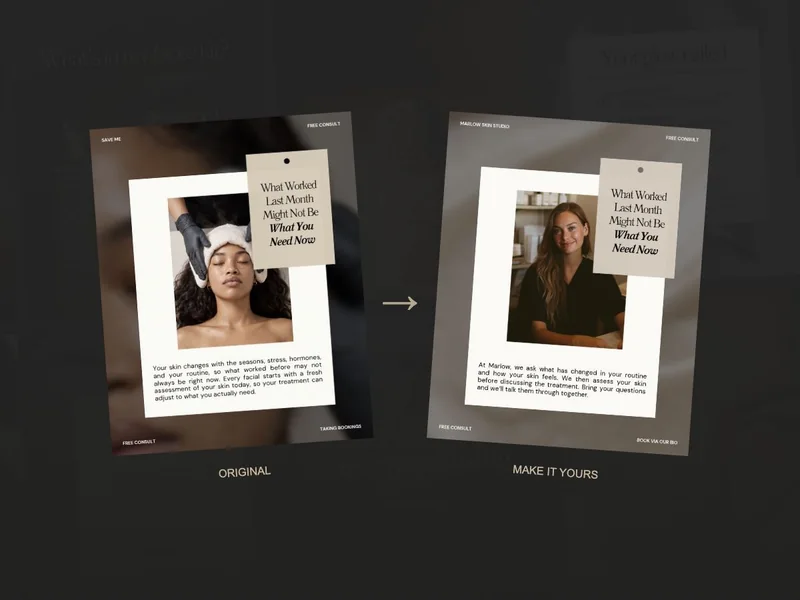
You’ll record and edit the Reel yourself. Put the prompts into words you’d use with clients, and choose treatment footage with text or a voiceover if that feels more comfortable.
Before you post
- The opening asks or answers one clear question.
- The footage matches what you’re explaining.
- Text and captions are readable on a phone.
- The details and booking instructions are accurate for your business.
For your first attempt, use one familiar question and a few clips you can safely record. Watch the finished Reel on your phone and check that the explanation makes sense. You’ll have a format you can return to, with room to try your voice when you feel ready.