Stories can feel like another thing to keep filling, especially when you open Instagram without knowing what to share. It helps to give the next Story one small job.
We’ll use short Story sequences to introduce a question, show an answer and offer a next step. Below are complete examples for a first facial, a studio introduction and an appointment opening that you can adapt to your business.
What should an esthetician put in Instagram Stories?
A first-visit explanation, a look around your room or an availability update all give someone useful information. Keep each screen focused on one point so they can follow it without pausing to read a long paragraph.
You can make these with photos and text if that’s easier. A short room clip works too. Choose something you can comfortably prepare; there’s no need to speak to camera for these examples.
Before you choose a photo, finish this thought: “By the end, I want them to know…” Knowing what a first visit involves gives you a clearer starting point than simply needing to post today.
A Story that explains a first facial
Here’s a five-screen example, adapted from an SCC carousel into the tall Story format. It introduces the visit, explains the consultation, treatment and aftercare, then gives the viewer a way to book. Change the photos and details to reflect your own services.
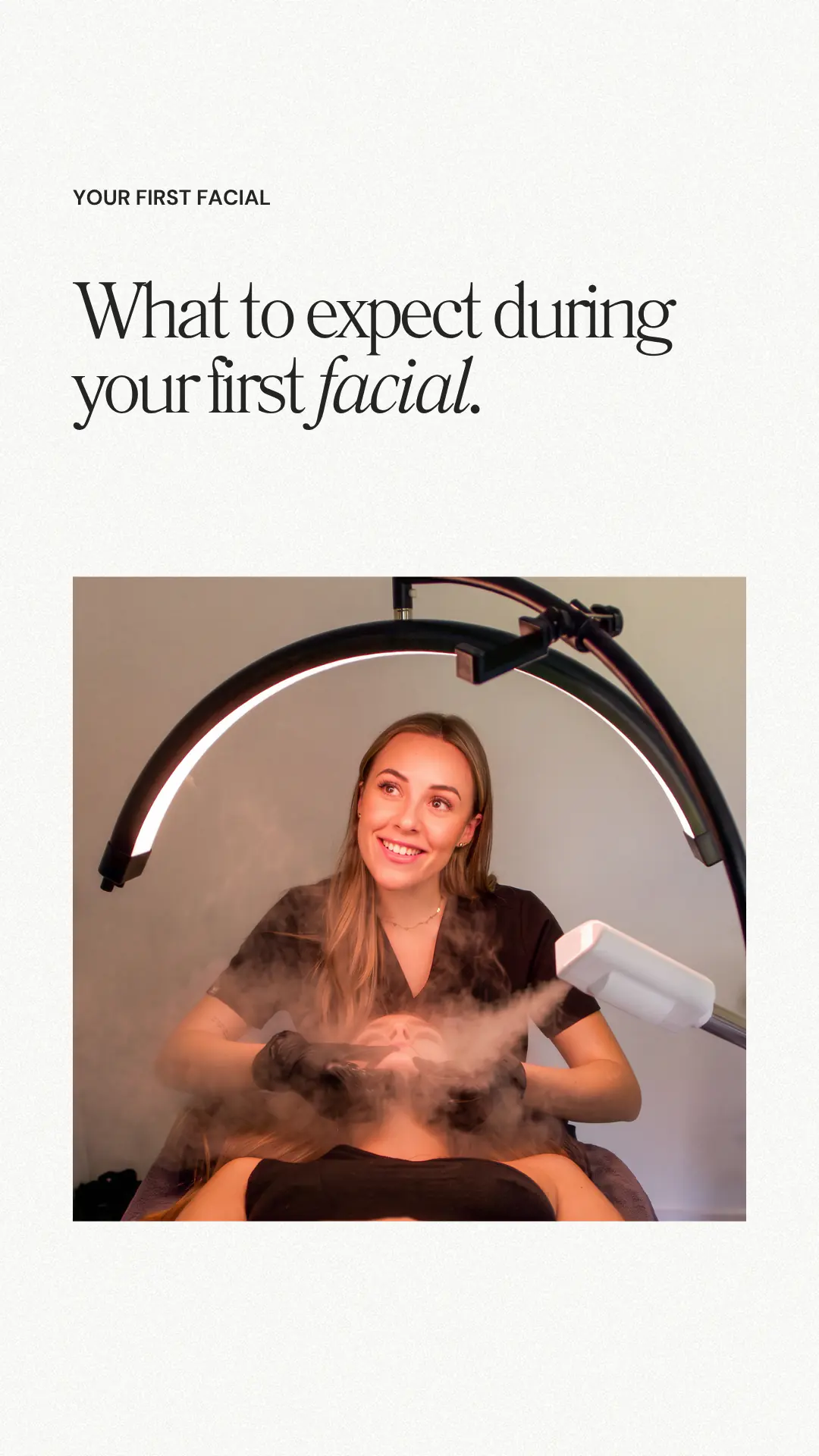
The opening tells a new client what the next screens will explain.
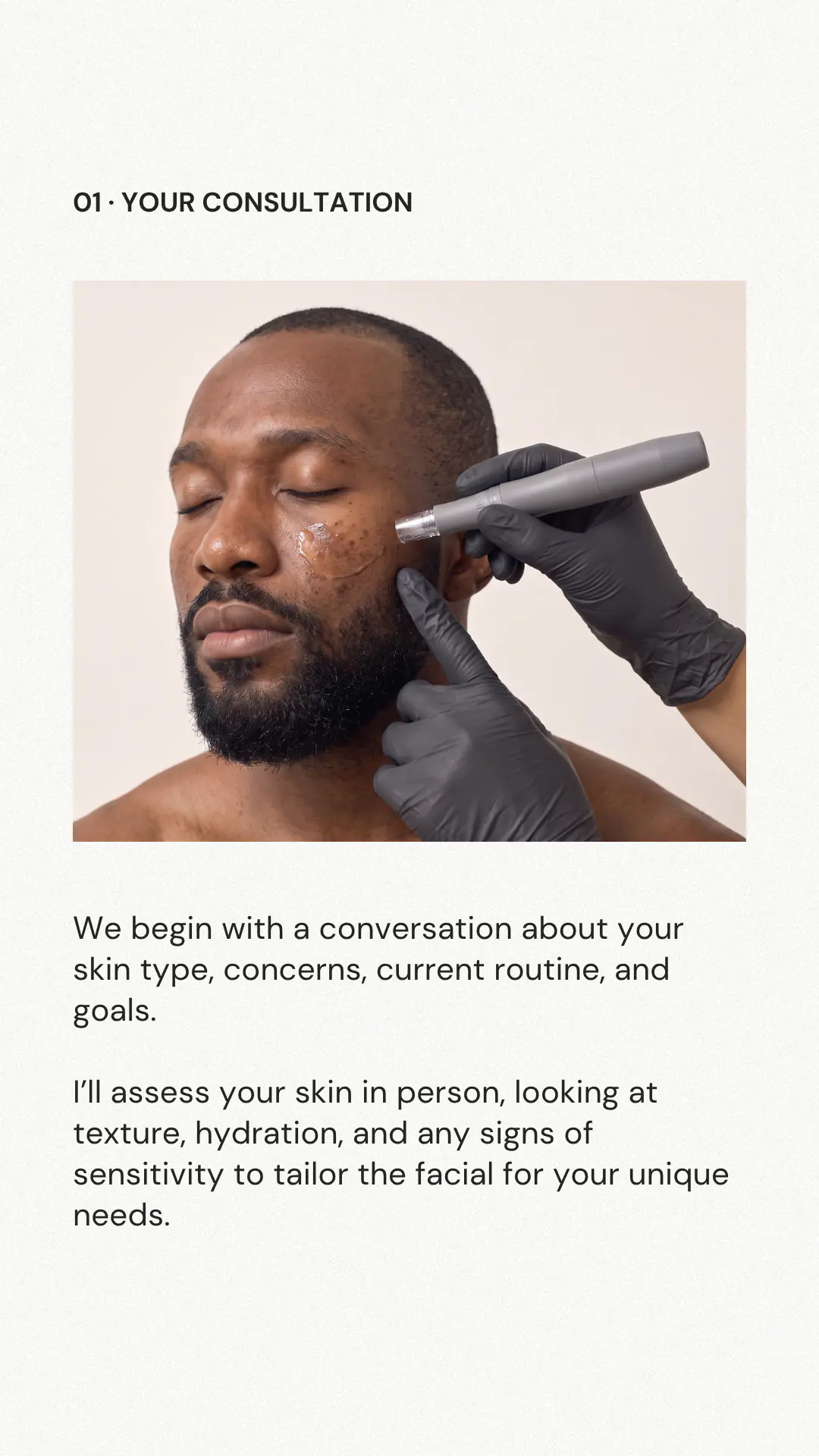
Show how you learn about their skin. Adjust the words to match your own consultation.
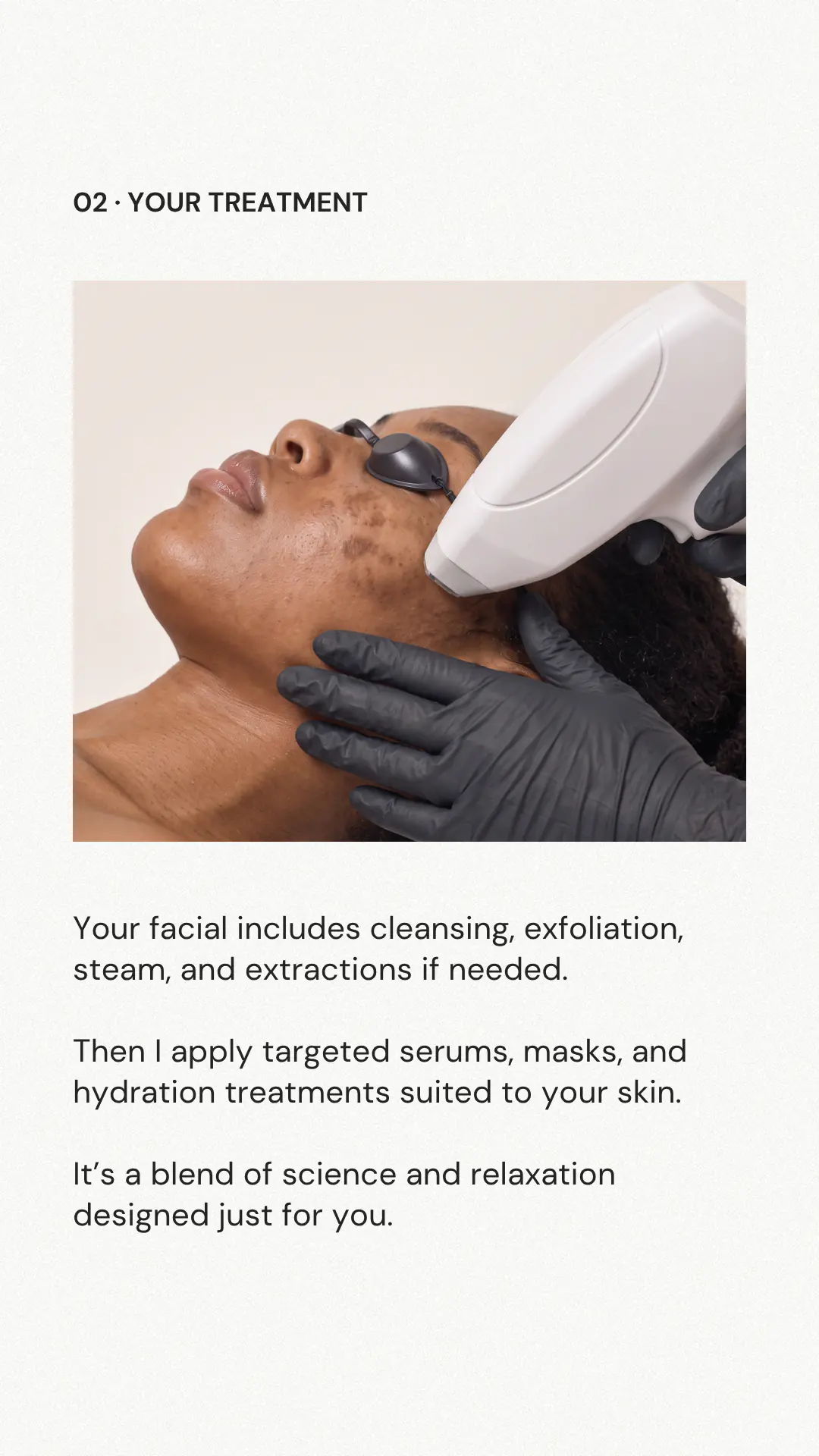
Name the steps you offer, and use images that match the treatment you are explaining.
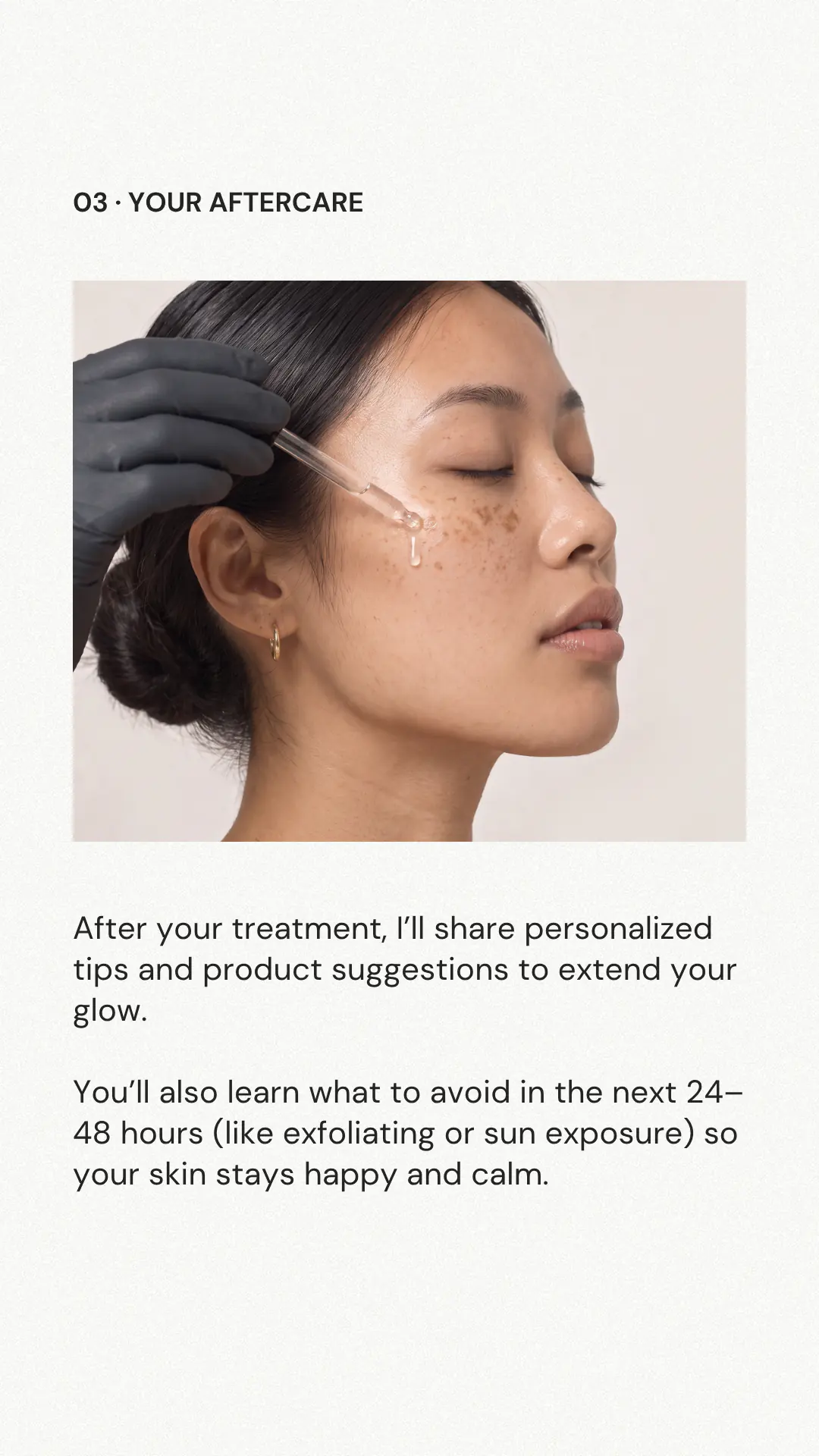
Let them know you will explain what to do afterwards. Use aftercare advice that fits the treatment.
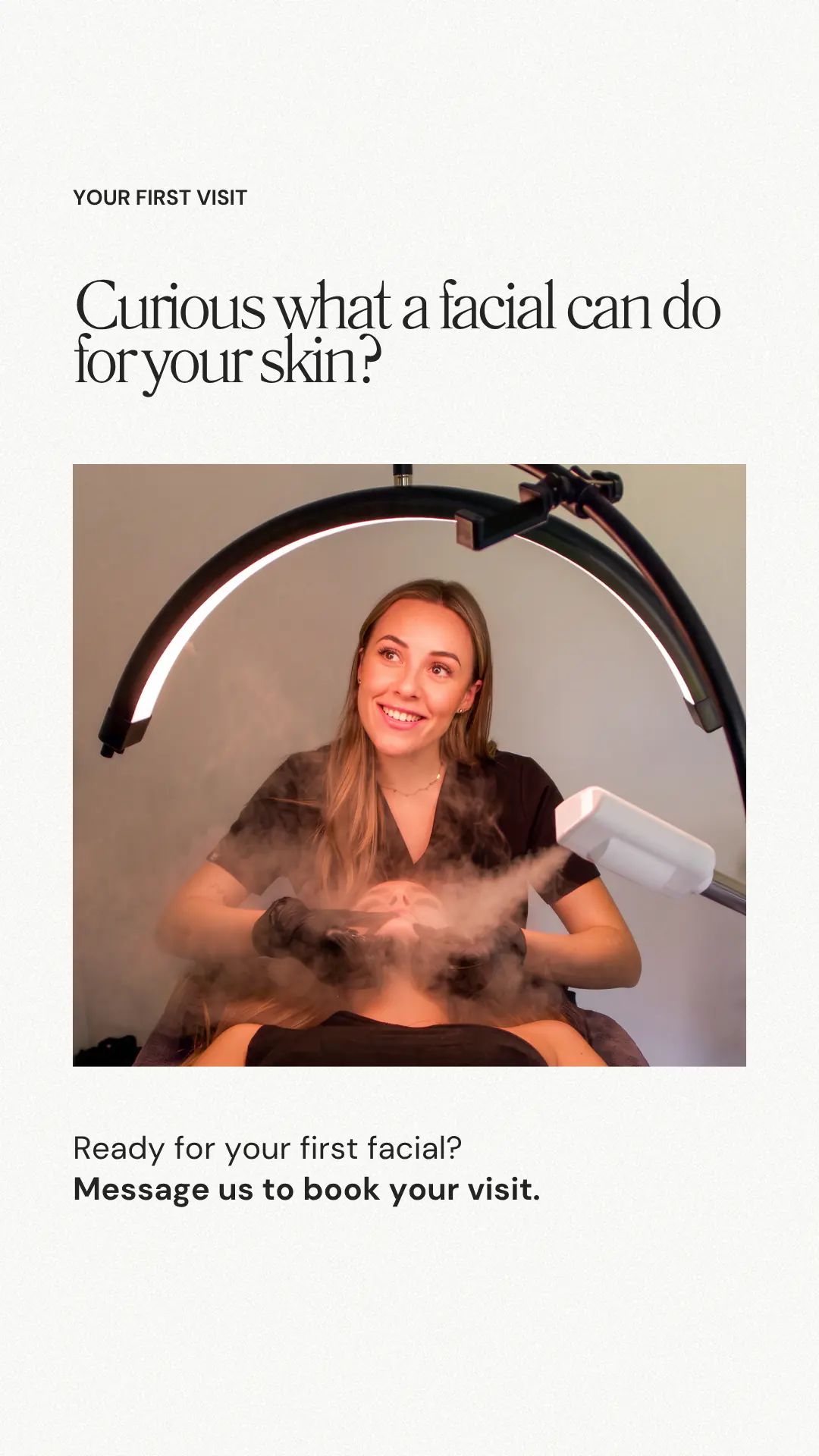
This example invites a message. If you take online bookings, add a Link sticker for the relevant appointment instead.
A Story that opens a conversation
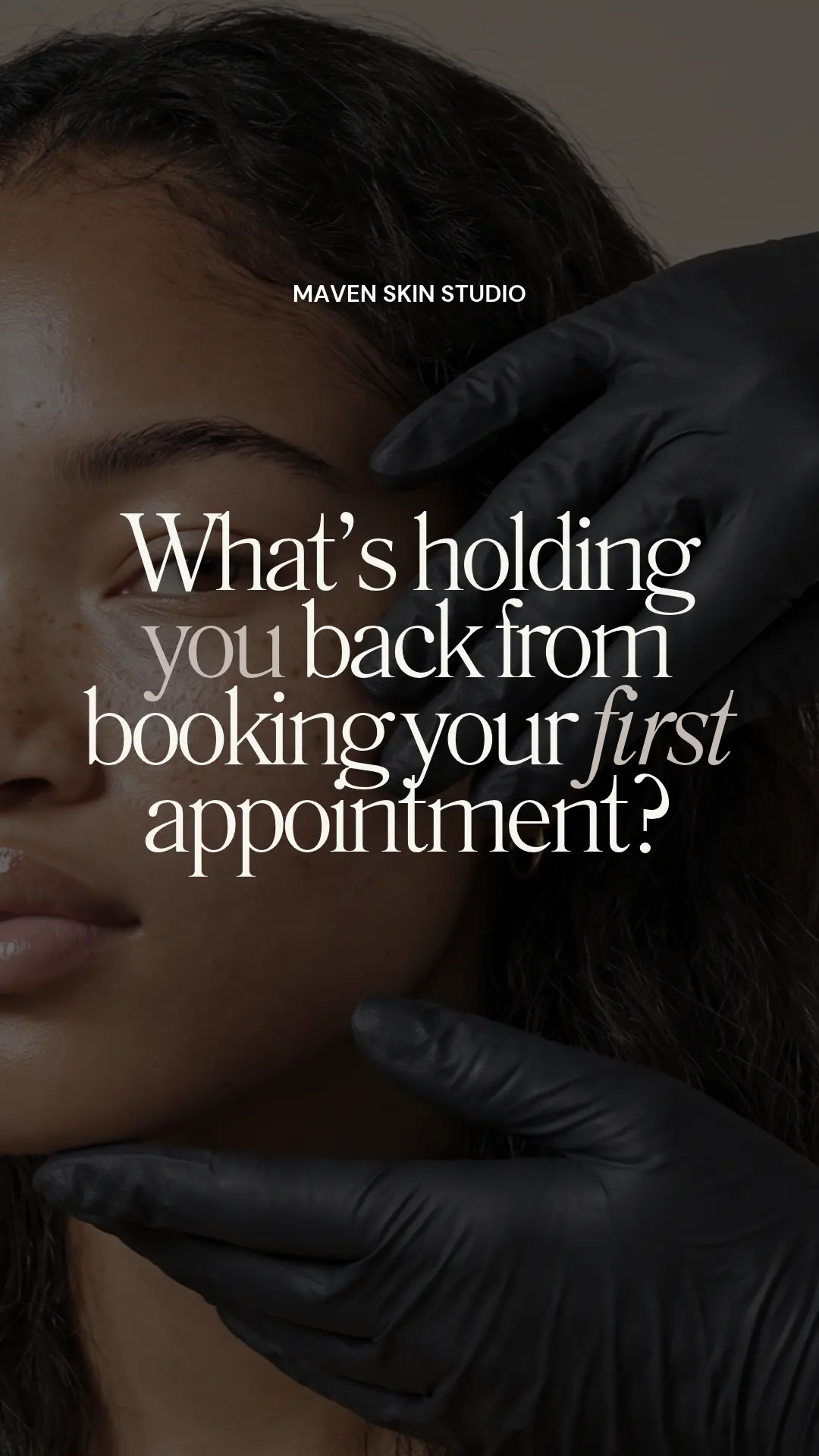
A question like this gives someone a way to tell you what they need to know before booking. They might be unsure which facial to choose or what their first visit involves.
Invite them to reply, or add a question sticker in Instagram. Answer the question they actually ask, then point them to the relevant service details if they want to take the next step.
You can turn a common question into your next first-visit explanation, too.
A Story that introduces your studio
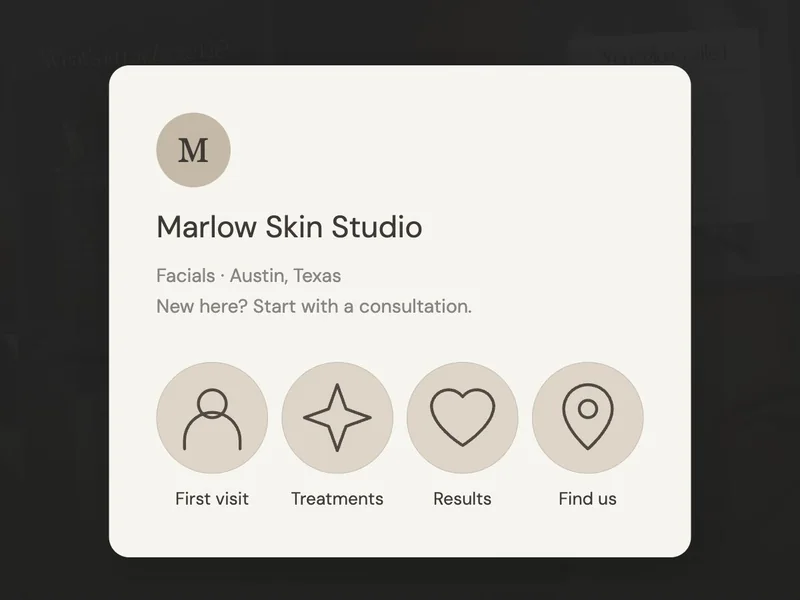
This three-screen example for the fictional Marlow Skin Studio welcomes a new visitor, explains how the appointment begins and points them to services and availability. Use your own studio name, photos and visit details when you adapt it.
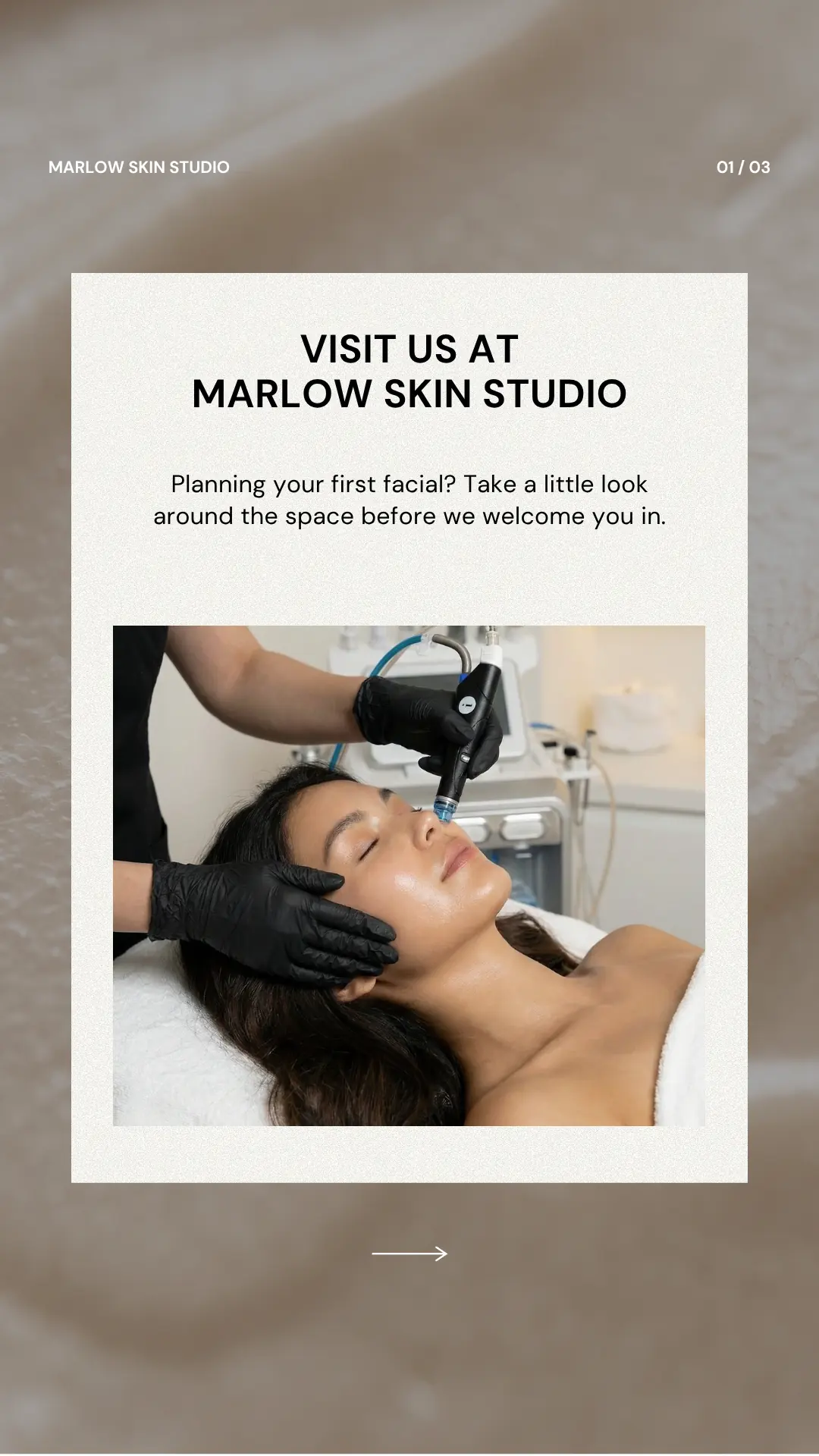
Start with your studio name and a welcoming introduction. Use a photo that reflects the treatments you offer.
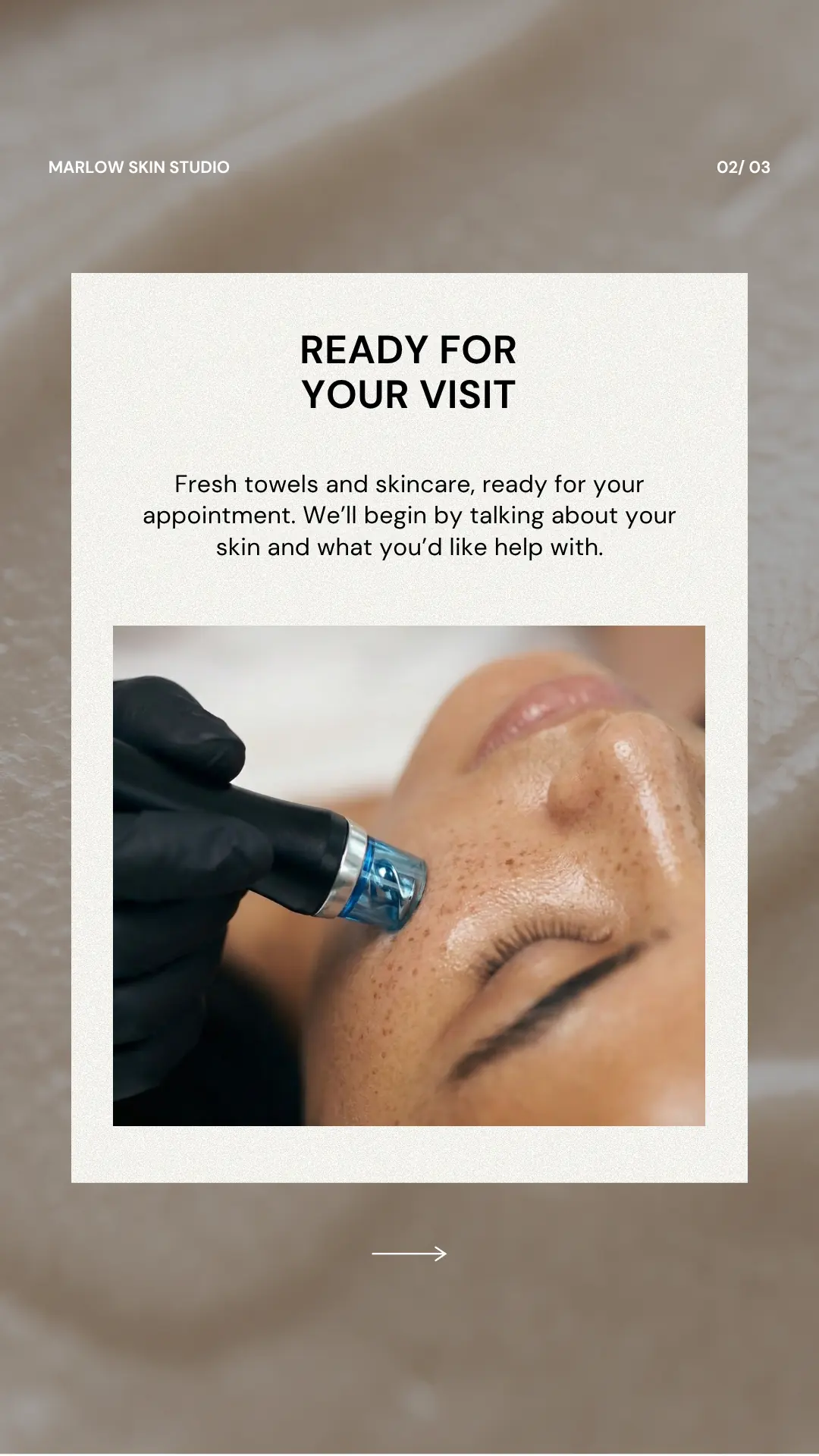
Tell someone how the appointment begins. Match the description to the way you welcome and consult with clients.
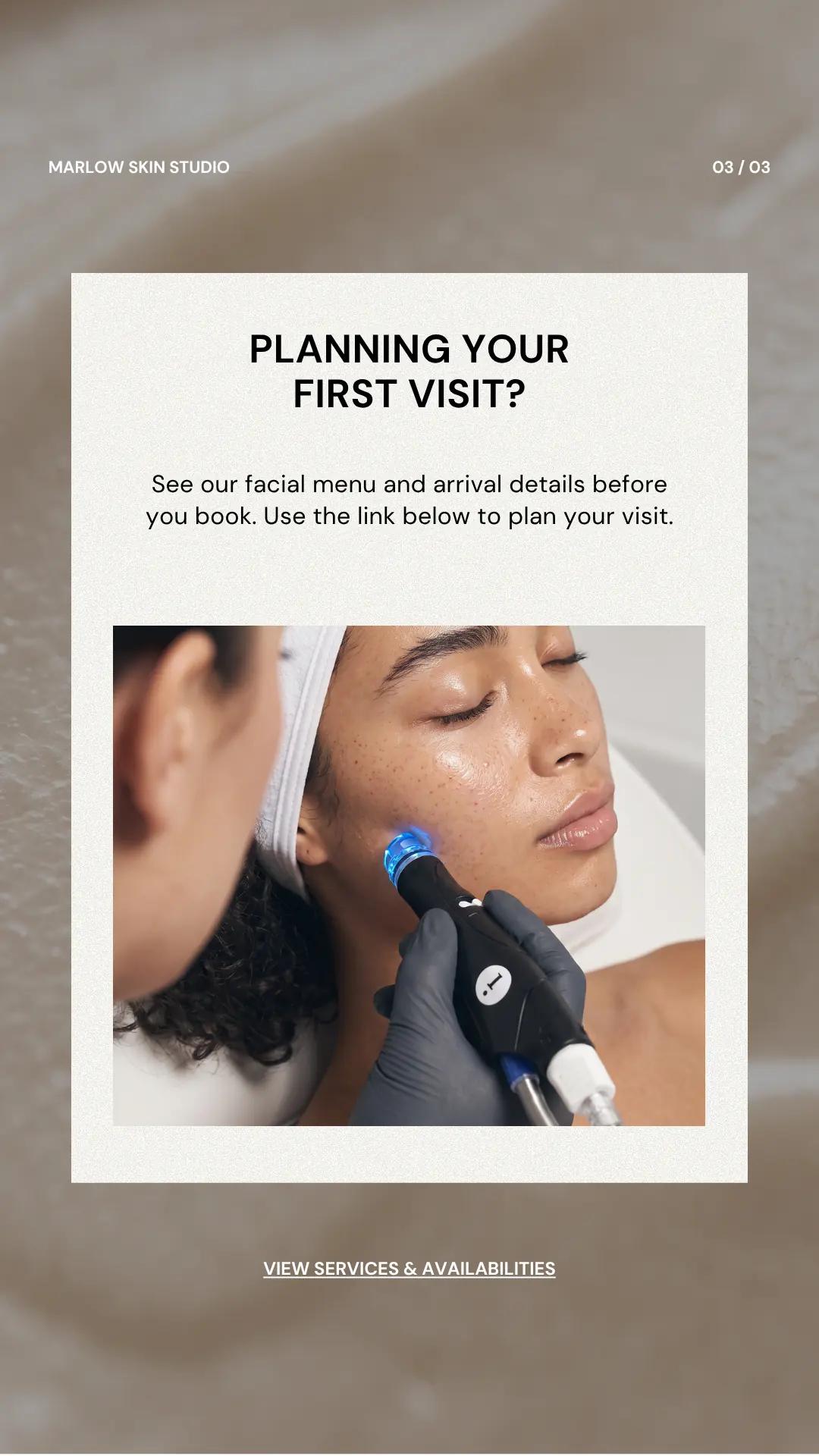
Add Instagram’s Link sticker for your services and availability. Check that the destination includes the arrival details you mention.
If you want to show more of your space, include a wide photo or short, steady clip of the treatment room. Add the practical details a first-time visitor needs, such as where to enter and how to find you.
A Story that shares available facial appointments
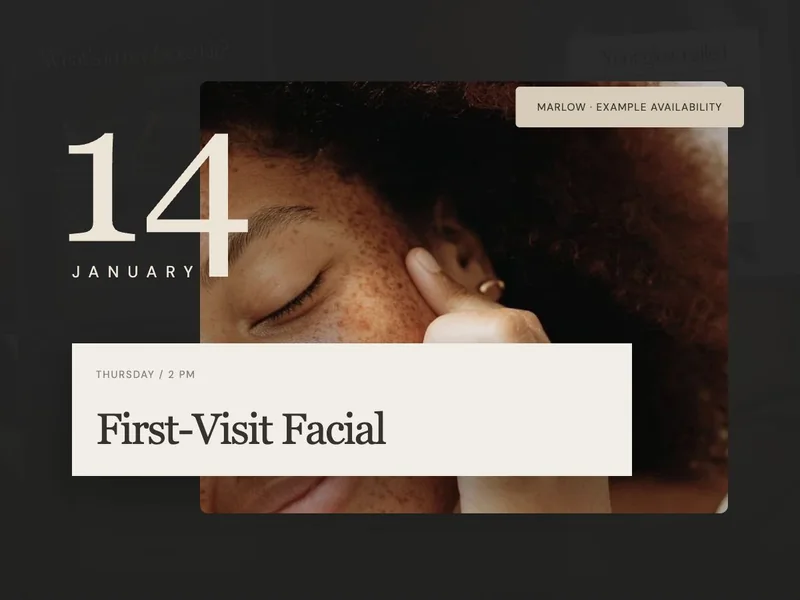
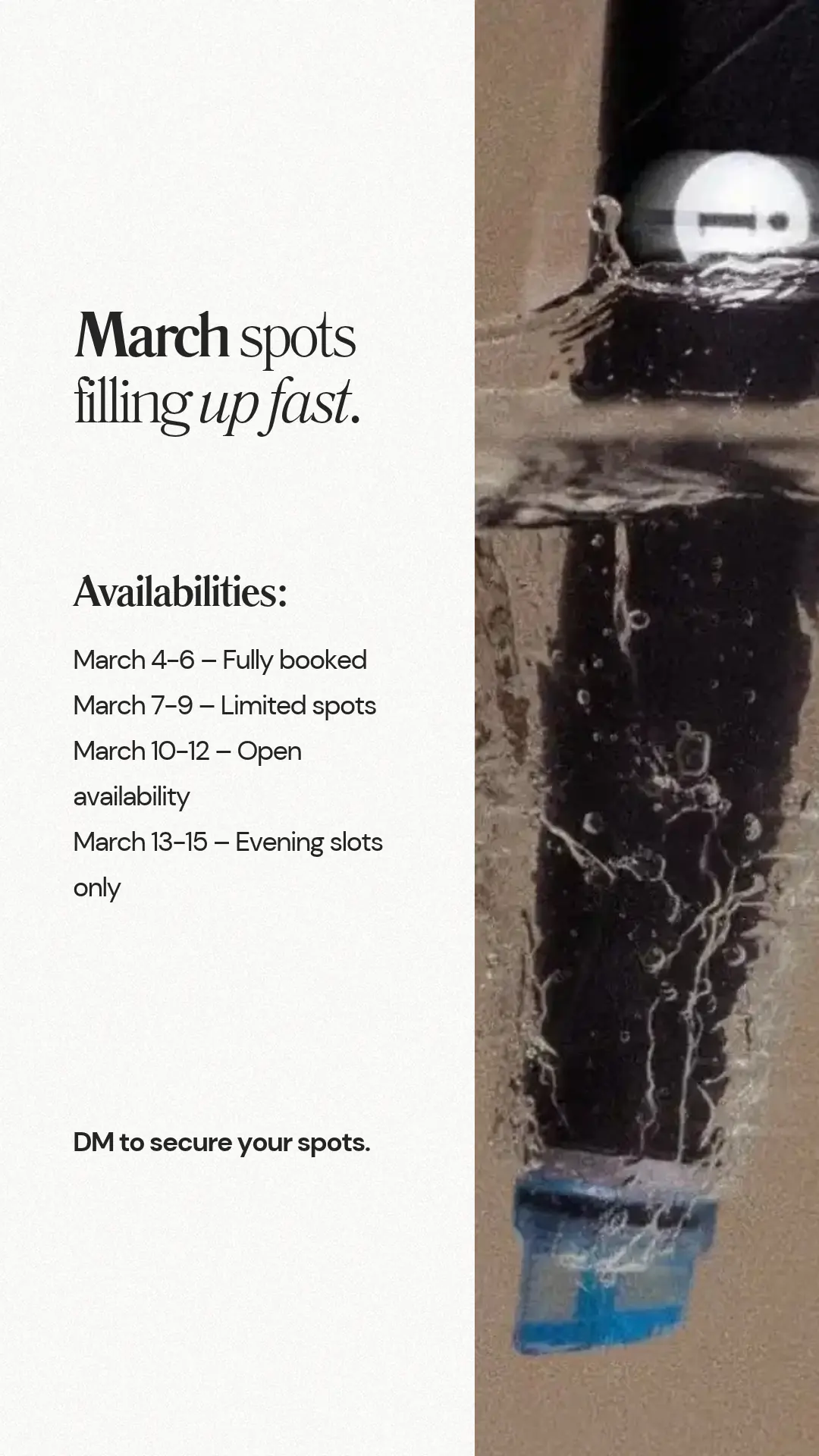
An availability Story can be one clear screen. The example below groups appointment dates and invites the viewer to message the studio. Replace those example dates with your current openings before sharing.
- 1
Use an opening that’s actually available. Add the date, time and service so someone can tell whether it suits them.
- 2
Include the correct price and duration on the Story or the booking page you send them to.
- 3
Choose one booking route: a message, as shown here, or a Link sticker for the appointment. Update or remove the Story when the space is taken.
How do you send a Story viewer to your booking page?
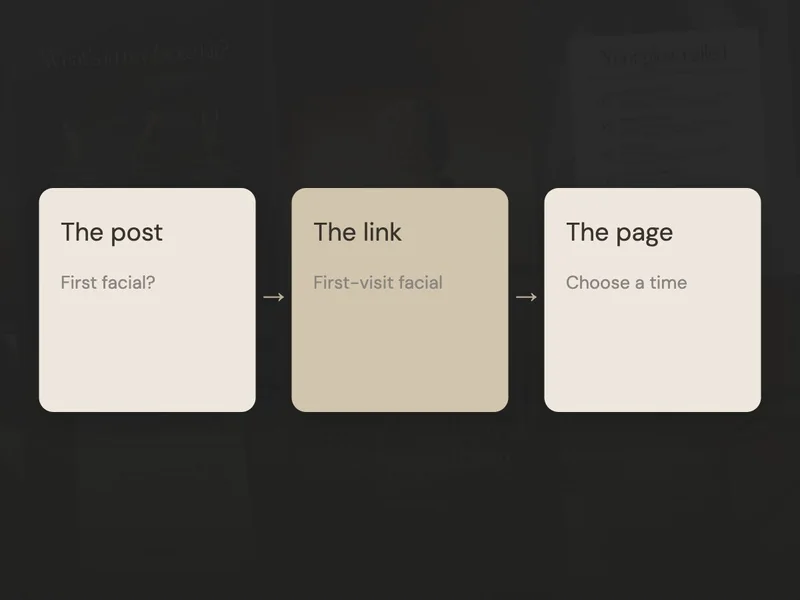
Once the words are ready, make sure the next step works. If your account has a Link sticker, add it for the relevant service or booking page and use a clear label, such as “View facial appointments.” A button drawn into the image won’t create a link by itself.
If you’re sending someone to your profile, say “Open our profile and tap the booking link.” Follow that route on your phone to check it’s easy to find.
A first-visit sequence or room tour can stay useful in a Highlight. Keep appointment openings separate so old dates don’t get mixed in. Our Instagram Highlights guide will help you organise those collections.
Choose one sequence and watch it through before sharing. If it answers the question and gives a clear next step, you have a useful Story ready. You can return to the same structure with another question later.