A gap opens in your diary and you want to let people know. It can be tempting to invent a new offer or spend ages finding something different to say. Often, the useful information is much simpler: which appointment is available, when it is and how to book it.
We’ll use one example opening to create a feed post, a Story and a cancellation update. You can adapt whichever version fits the moment.
What should an esthetician put in an availability post?
Check the slot in your booking system first, then bring the details together: service, date, time, location and booking route. Include the duration and price where they help someone decide whether the appointment fits their day.
A little time for your skin.
First-Visit Facial
Thursday 14 January · 2 pm
60 minutes · $120 USD
This appointment is made up for the example. Notice that the message offers enough information to consider booking, without needing a discount or a claim that the studio is nearly full.
How can you share the same opening as a post, Story or cancellation update?
You already have the facts. Keep those consistent and adjust how much you say for each format:
Explain who can book
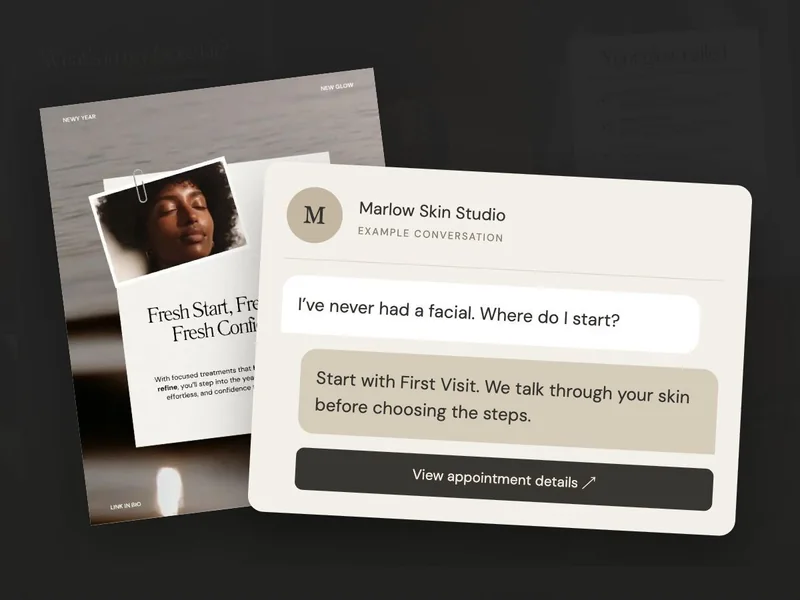
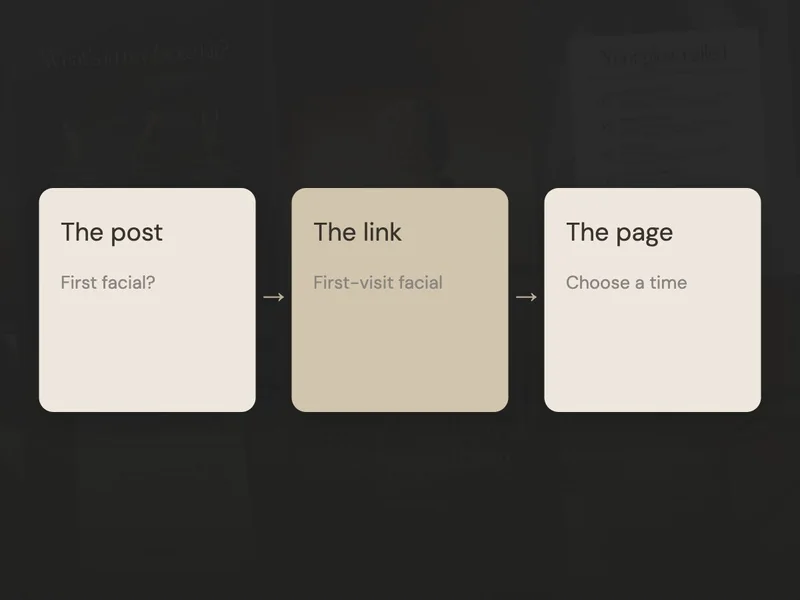
“New to Marlow? A First-Visit Facial is available in Austin on Thursday 14 January at 2 pm. We start by talking about your skin and routine. The appointment is 60 minutes and $120 USD. Open the link in our bio and choose First-Visit Facial.”
Use it when: someone reading may be new to the studio and needs a little context about the service.
Make the details easy to scan
Use the Story link sticker to add your actual booking URL, then check where it leads. If you’d like other ways to talk to potential clients in Stories, see our Story ideas guide.
State the opening without pressure
“An appointment has opened for a First-Visit Facial on Thursday 14 January at 2 pm. If that time suits you, you can view the details and book through the link in our bio.”
Use it when: an appointment has genuinely opened up. You can share the available time without explaining why the previous client cancelled.
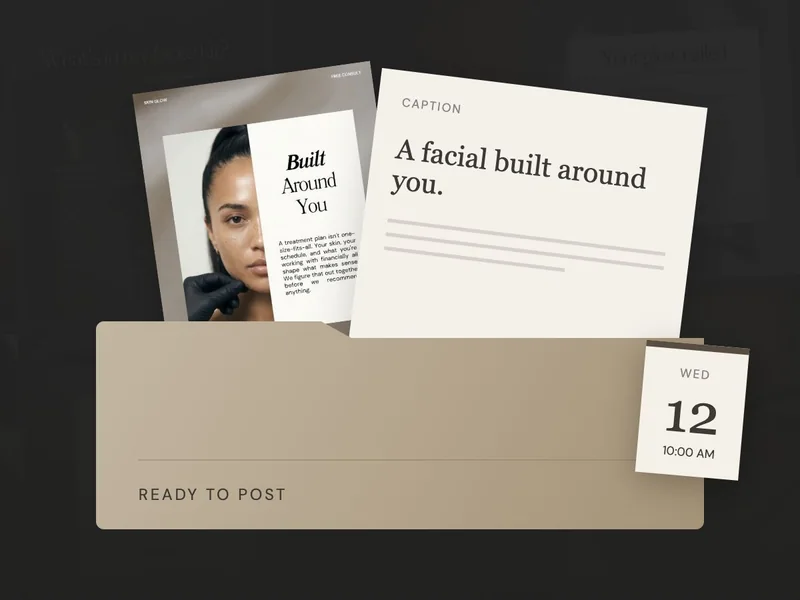
Choose a treatment-room photo or a template you can adapt quickly. Give the date and booking instruction a clear place to sit, away from a busy part of the image. Someone should be able to find the details at a glance.
Do you need to discount every empty facial appointment?
You can announce an appointment at your usual price. An empty slot can feel uncomfortable, but it doesn’t tell you what to charge. If you’re considering an offer, make that decision around what works for your business.
First, check whether the post gives someone enough to go on. “Appointments available” leaves them with several questions. “First-Visit Facial, Thursday at 2 pm in Austin” gives them an actual option to consider.
If you choose to run an offer, put the price, conditions and end date where people can easily find them. Follow the link yourself and check that the booking page shows the same offer.
What should you do after posting an appointment opening?
- Keep the booking system current. It should show whether the slot can still be booked.
- Update the message when it fills. Mark the Story or post as booked, or remove the outdated availability.
- Offer a useful alternative. If someone asks too late, send current availability rather than an expired offer.
If you’ve scheduled the announcement, check the slot again before it goes live. Once you’ve shared accurate details and a working booking route, you’ve given the reader a useful invitation. Update it when things change, so the next person sees the current options.