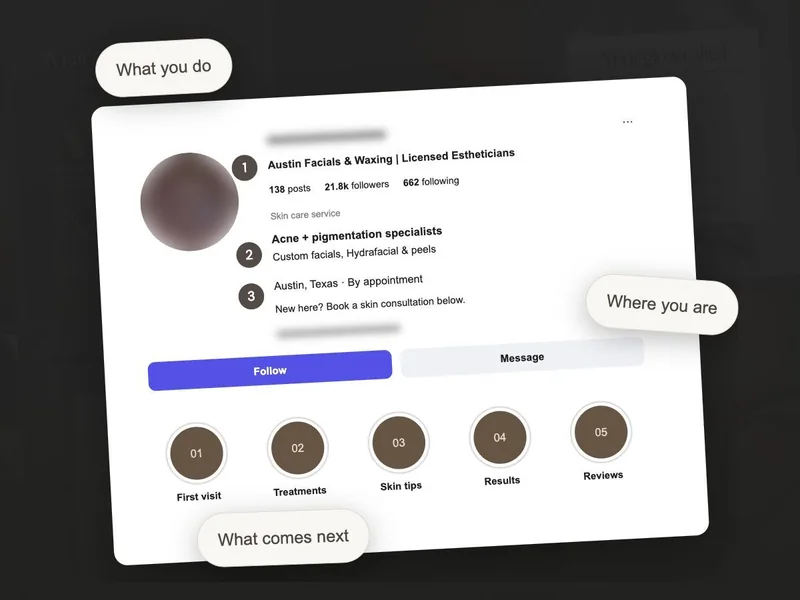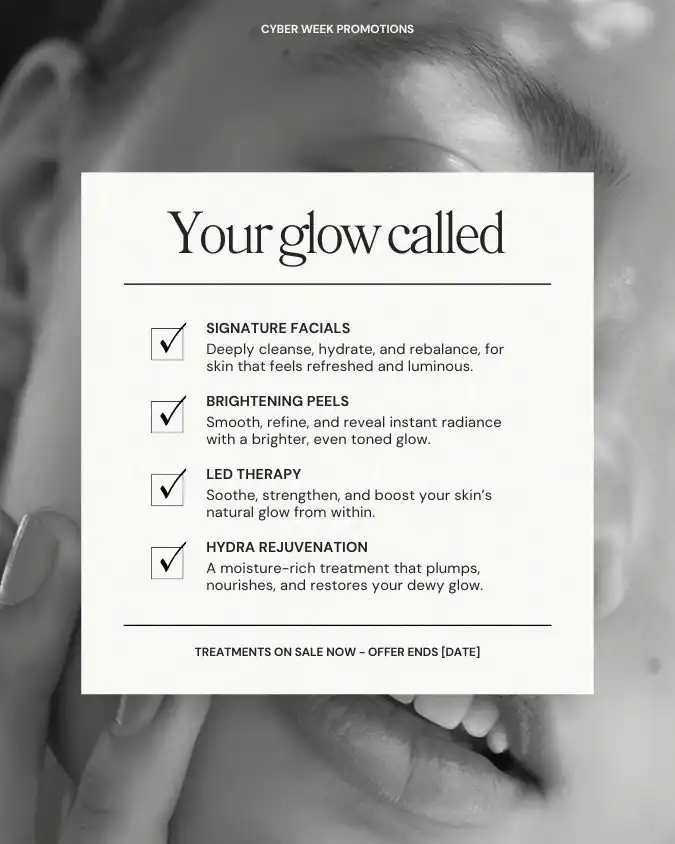
Imagine someone has just found your Instagram profile and is thinking about a facial. They can see plenty of your posts, but where should they start? A useful introduction may be buried below a seasonal offer and last month’s availability.
Pinned posts give you a place to put the basics within easy reach. We’ll choose three introductions, work through what to include and check that they still match your business.
Which three posts should an esthetician pin?
Think about the first questions someone asks before visiting: who are you, what is the appointment like and how do they book? Those give us three useful posts to start with. You can change the choices if your clients need something different.
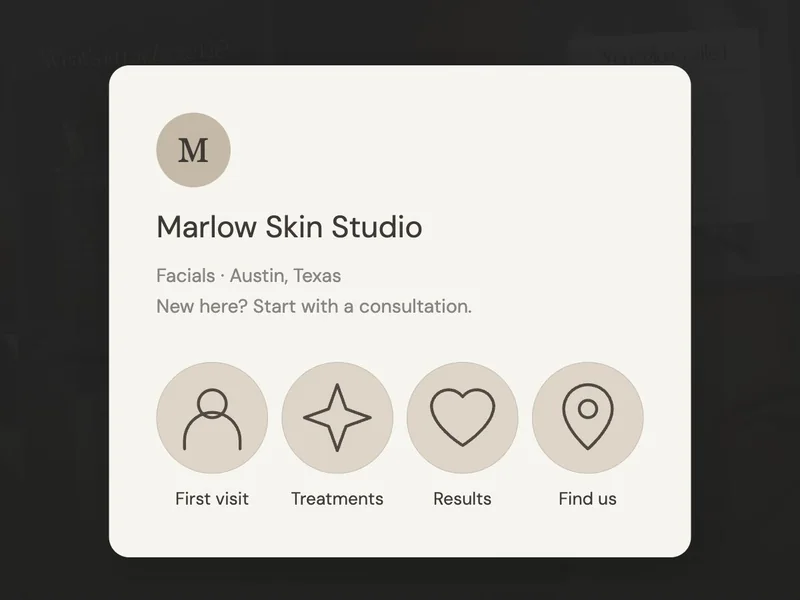
Facials · Austin, Texas
New here? Start with First Visit.
 Meet the team
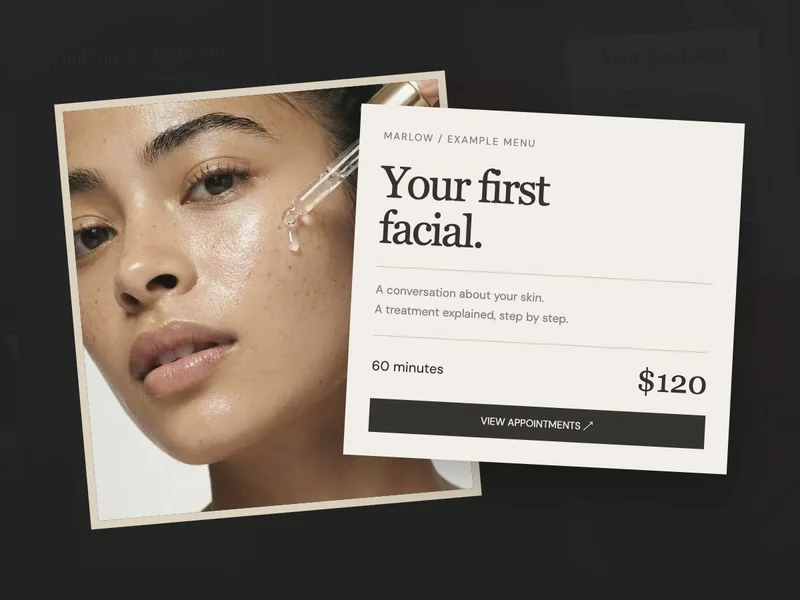
 Your first facial
 How to book
Here’s how those three posts could sit together on the fictional Marlow Skin Studio profile, each with its own job.
Look for posts that introduce the business as it is today. You may have a popular post you love, but if it shows a service you no longer offer, choose something that will help the new visitor now.
What should you put in each pinned post?
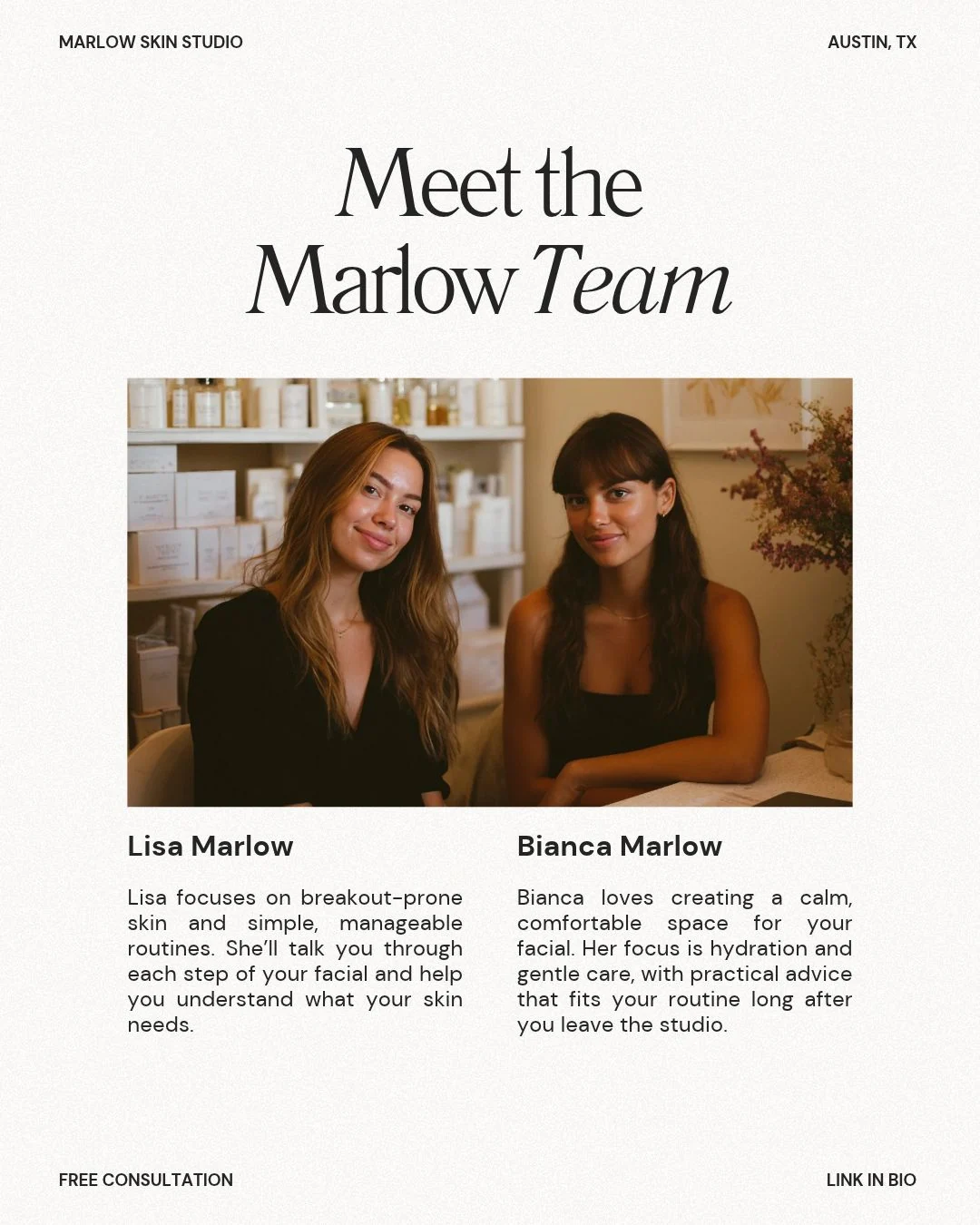
“Meet the Marlow team in Austin”
Use a portrait or a short video of yourself or your team in your treatment room. Introduce the people a client could meet, say where you work and explain the services you actually specialise in. Keep it close to how you’d introduce yourself to a new client.
Caption starter: “Meet Lisa and Bianca, the team behind Marlow Skin Studio in Austin. We offer personalised facials and help you build a routine that fits your skin. Here’s how a first visit works.”
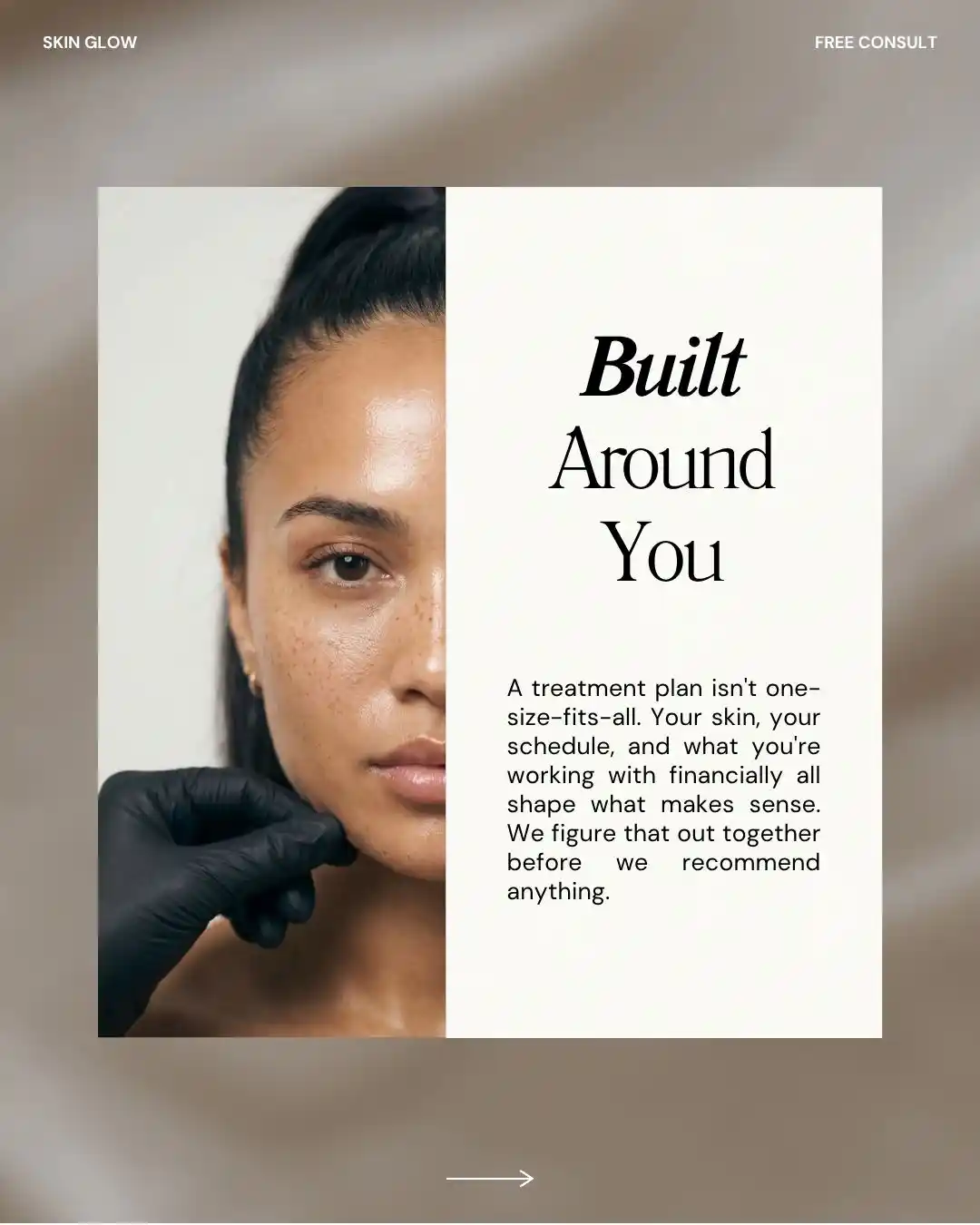
“What happens at your first facial?”
Walk the reader through your room, the opening conversation and suitable treatment steps. A short carousel gives each part some space, so someone who hasn’t visited before can follow along.
Caption starter: “We start by talking about your skin and routine, then explain the treatment options.” Use your actual process.
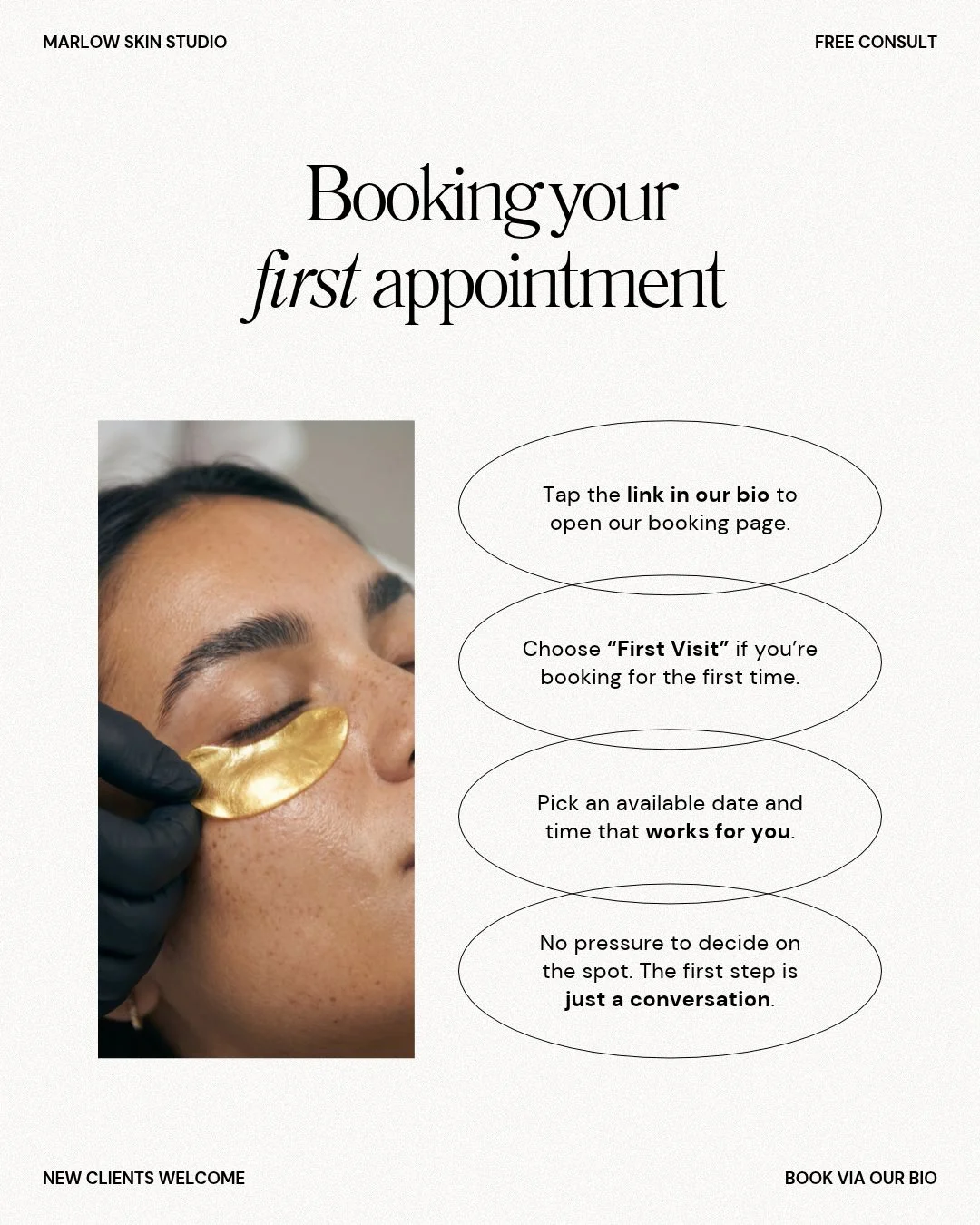
“New client? Here’s how to book”
Tell the reader which service name to look for on your booking page, where to see the price and how to ask a question. It’s a small detail, but matching the name saves them having to guess which appointment you meant.
Caption starter: “Open the link in our bio and choose First Visit. You’ll see the appointment details and available times there.”
Give each cover a complete, readable title. A visitor may open only one of the posts, and someone else may see it away from your profile. It needs to make sense wherever they find it.
How do you pin a post to your Instagram profile?
Meta’s official pinning guide describes pinning up to three feed posts or Reels to your profile. The exact menu label can vary with the app version.
- Open your profile. Choose the post or Reel you want a new visitor to see.
- Open its three-dot menu. Look for the option to pin it to your profile or main grid.
- Return to your profile. Check that the post is at the top and that its cover is readable.
If the option is missing, check the Instagram Help Centre’s pinning instructions for your device.
When should you change your pinned skincare posts?
Have another look at your pinned posts when you change a service, price, location or booking step. If you pin a temporary announcement, leave yourself a reminder to replace it when it’s finished.
- Can a new client tell who and where you are?
- Does the first-visit post match what happens now?
- Does the booking instruction lead to the right service?
Your pinned posts now give new visitors somewhere to begin, with the key information about your studio easy to find. Once those basics are clear, you can keep answering more specific client questions in your ongoing posts.