You find a collection of skincare templates that looks beautiful, but it’s harder to picture which ones you’d actually post. Some cover treatments you don’t offer; others would need so much rewriting that you’d almost be starting again.
Before you buy, let’s look at the collection through the lens of your next few posts. We’ll check the topics, editing requirements and what’s included, so you can choose something that fits the work you need to do.
What do your skincare clients need to know?
Think back to your recent appointments. What did clients ask about, and what do new clients need to know? You might want to explain a first facial, introduce your treatment room or make the booking step clearer.
Write down three posts you’d like to make before you start browsing. Having those in mind makes it easier to tell whether a collection will be useful to you.
Would this skincare post help one of your clients?
These two SCC designs give you different starting points. “Two Facials, Two Different Goals” opens a conversation about treatment choices. “Dry and Dehydrated Are Not the Same” introduces a skincare question. The useful choice is the one that fits something your clients want to understand.
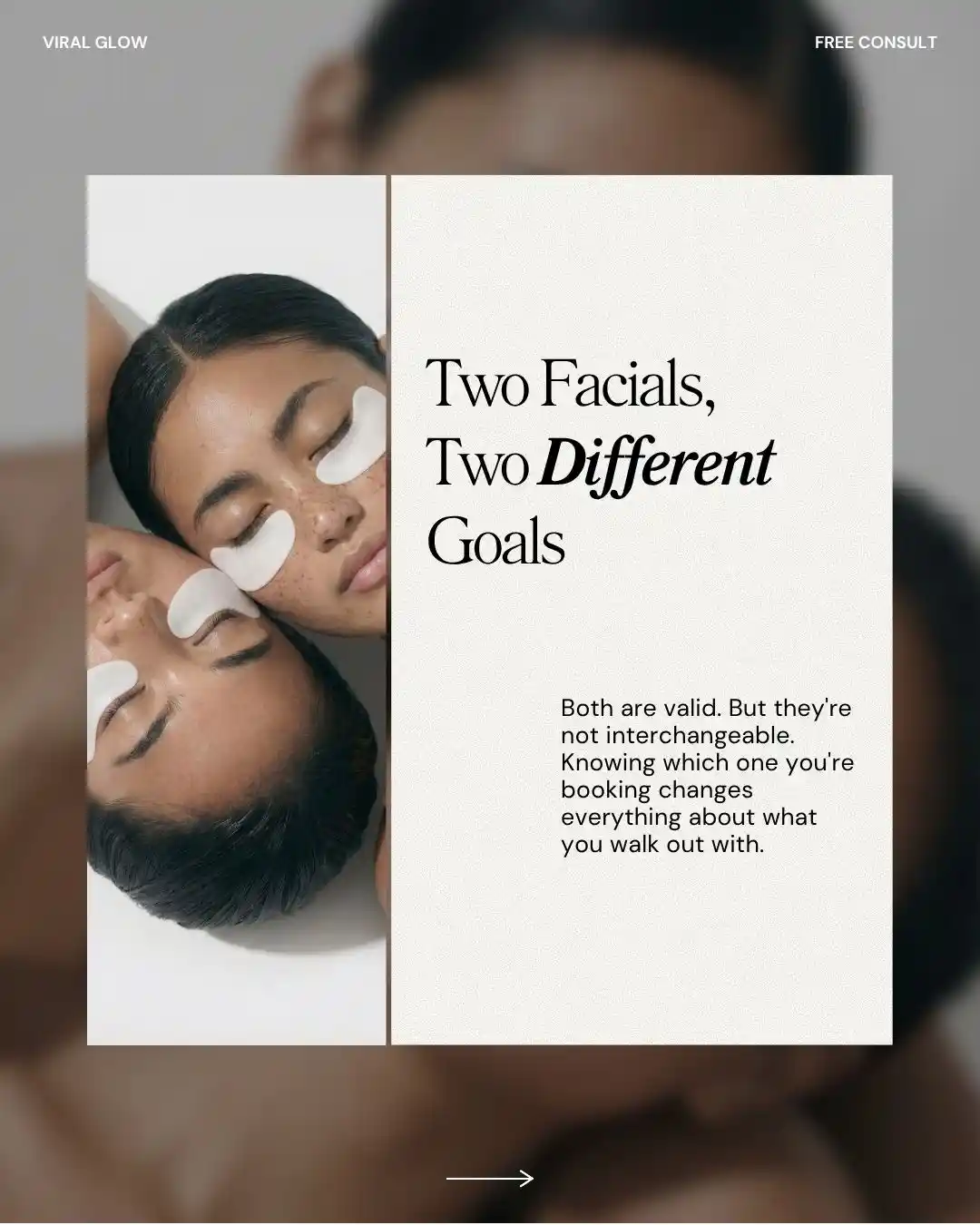
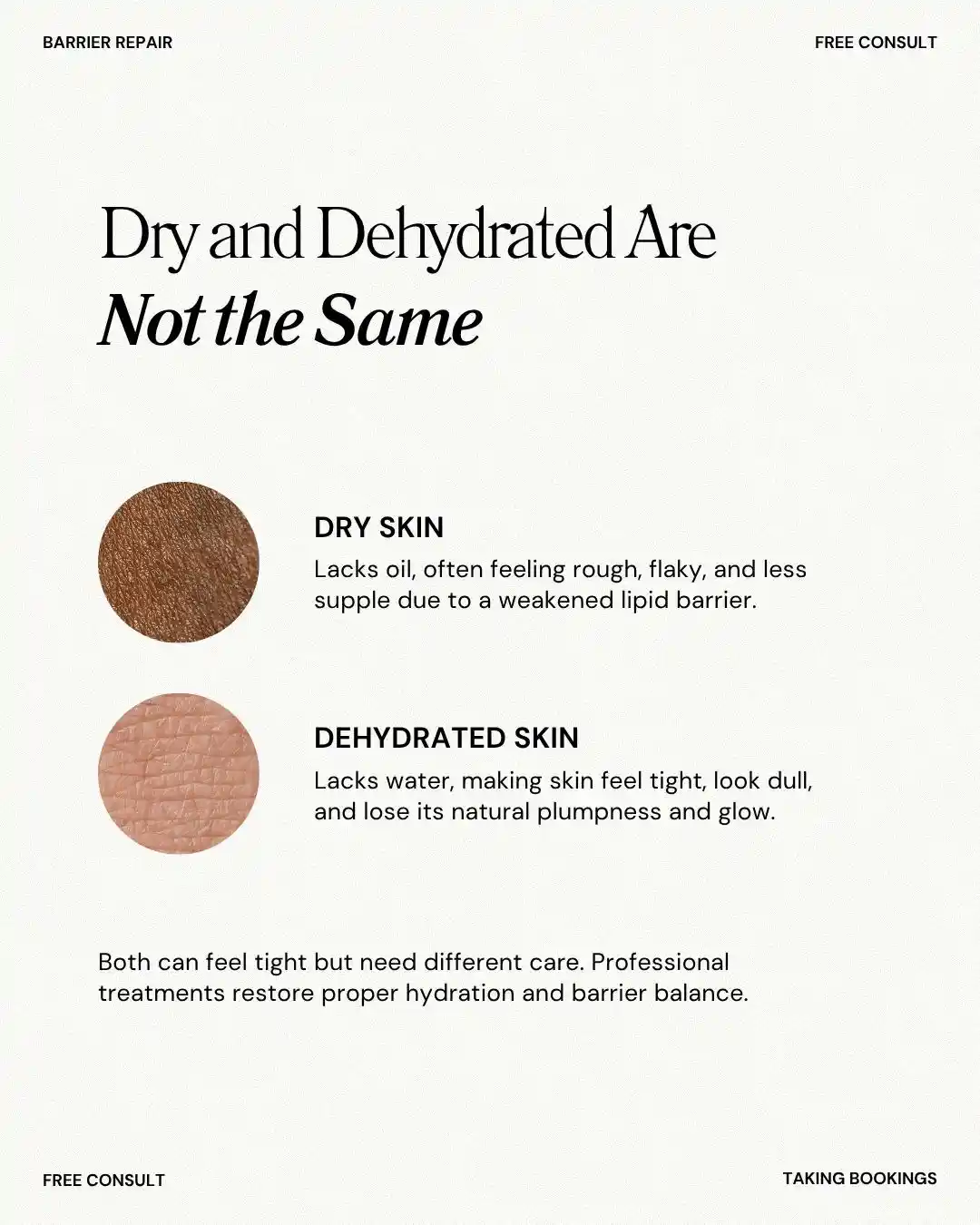
- Does the topic fit your services?
If you offer custom facials, look for posts you could use to explain them. A large library may look appealing, but check how much of it relates to the services people can book with you.
- Can you make the words accurate?
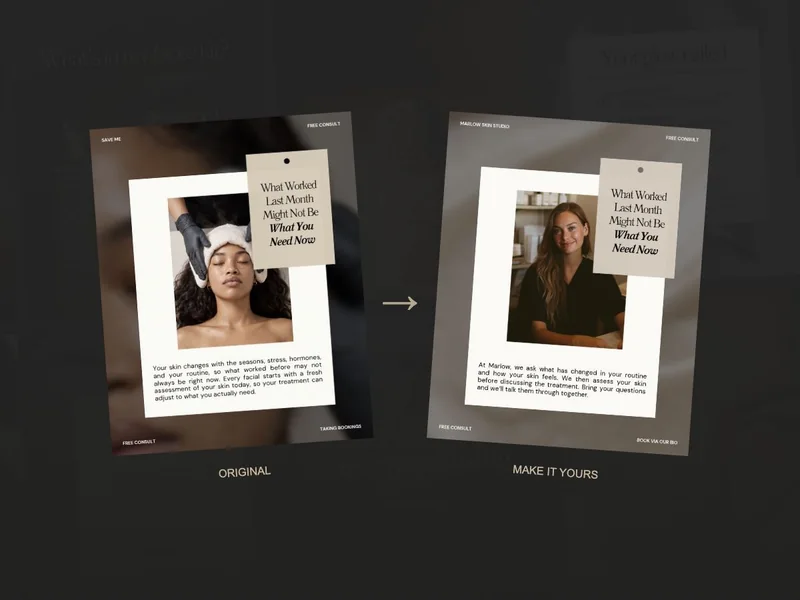
Read beyond the headline. Can you edit the service names, appointment details and claims so the finished post accurately represents what you do?
- Will it be readable on a phone?
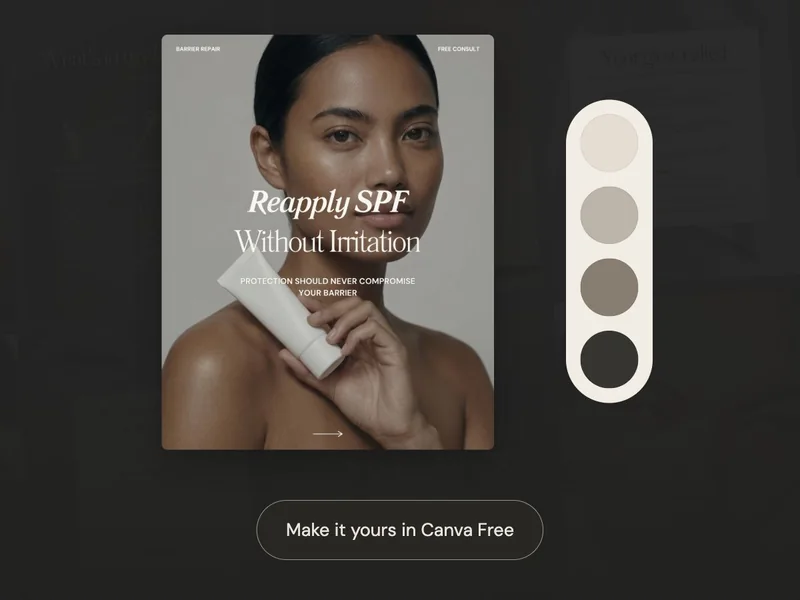
Look at a preview at roughly the size someone would see on a phone. Can you comfortably read the main point? Think about whether your own wording would fit too.
What comes with your skincare templates?
The editable file
Look for a Canva template link if you want to change the words and layout. A finished image may look the same in a sales preview, but it won’t give you the same editing options.
The caption
Check whether a caption comes with each design. If it doesn’t, you’ll need to allow time to write the text that goes underneath the post.
The format
Look for the formats you plan to use, whether that’s feed posts, Stories, carousels or Reel layouts. You don’t need to buy every format to make useful content.
The account requirements
All SCC templates work with Canva Free. If you’re considering another collection, check its account requirements before buying so there are no surprises when you open it.
Canva separates Free and Pro content in its licensing guidance. A template being editable does not automatically mean every included asset is available on a free account.
Do you need skincare designs, ideas or both?
You may already have ideas and simply want a design to put them in. In that case, a small pack could be enough. If you keep getting stuck on what to say, include captions and planning support in your comparison.
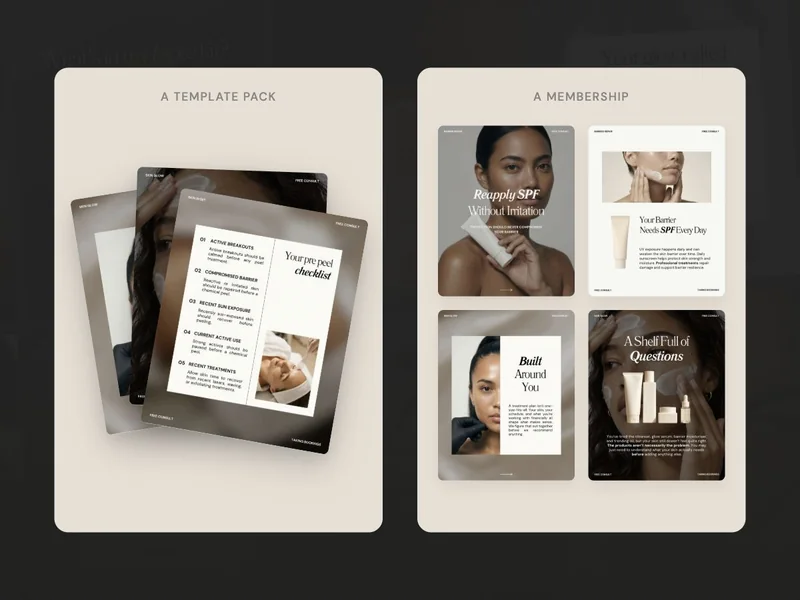
SCC brings editable skincare content, written captions and a calendar together. You’ll still add your own business details and work. Our Canva customisation guide shows what those personal touches look like in practice.
- I can name three posts I would use.
- I know what I can edit and what is included.
- I understand the account requirements and access terms.
Before deciding, return to the three posts you wrote down. If you can see how the collection would help you finish them, you have a clearer reason to choose it.