When someone looks for a facial near them, you want them to be able to work out whether your studio is an option. Where are you? What do you offer? Can they see the appointment details without having to chase you for them?
A Google Business Profile can help answer those questions for an eligible business. We’ll start by checking which setup fits your situation, then work through the details and booking link a potential client needs.
Can a solo esthetician create a Google Business Profile?
Google supports eligible businesses that meet customers in person, either at a real location or by travelling to them. An online-only business is different. Read Google’s eligibility and business representation rules before creating a profile.
A studio or treatment room
Use the location where you actually work. If your treatment room is inside a shared building, check the signage and address requirements for that arrangement.
A mobile service
If you travel to clients, a service-area profile may be appropriate. Google says service-area businesses should hide their address.
This is the part to check carefully if you work from home or rent a room. Neither arrangement settles eligibility by itself, and a virtual mailing address doesn’t stand in for a working studio. Shared offices have additional conditions. Use Google’s rules to check your actual setup before deciding how to represent it.
What should your skincare business profile include?
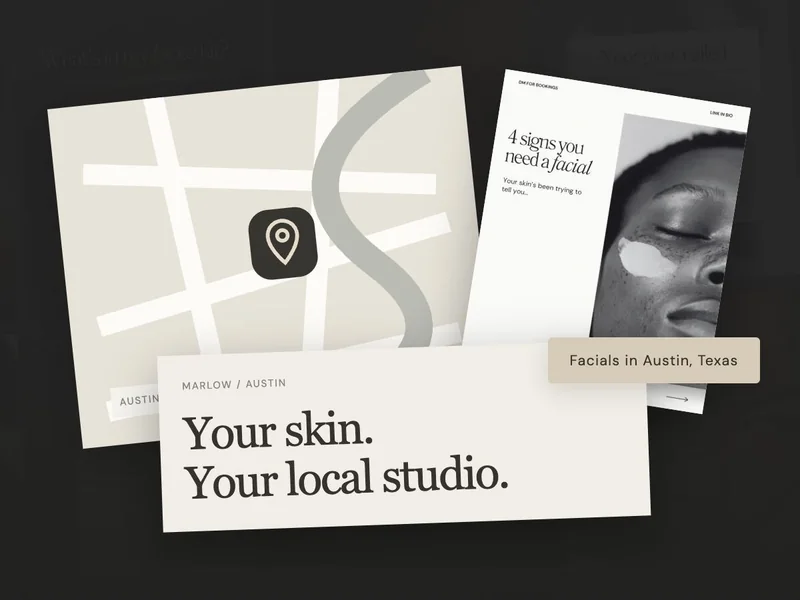
Here are the details we’d gather for Marlow, our example studio. This is an information layout to work from, rather than a screenshot of Google’s interface:

Marlow Skin Studio
Facials in Austin, Texas
- Services
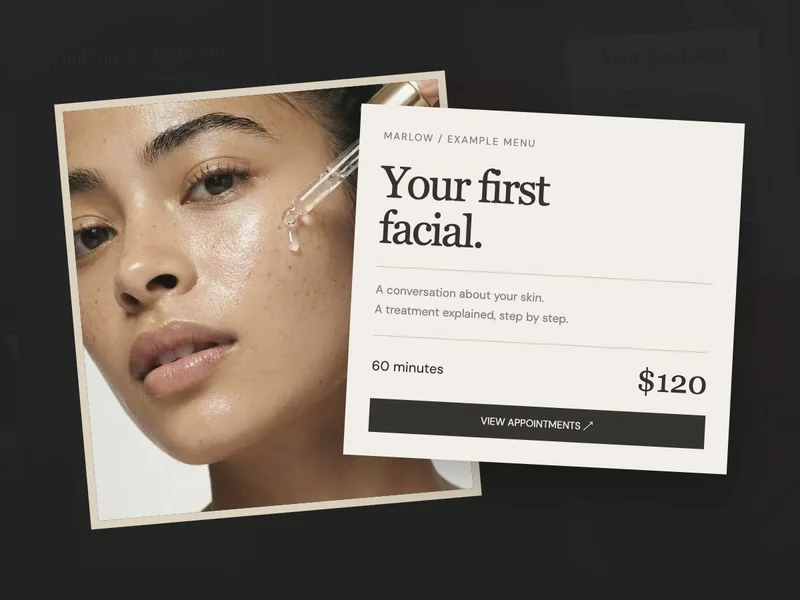
- First-visit facial · ongoing facial appointments
- Visit
- By appointment · arrival details on the booking page
- Location
- Your verified studio address, where eligible
- Use your real business name. Keep it consistent with your signage and website. Do not add a string of search keywords.
- Choose a fitting category and services. Describe what your business actually provides. Use plain service names clients recognise.
- Show the real place and people. Add suitable photos of the entrance, treatment space and practitioner. A stock skincare image cannot show someone which door to use.
- Check your visiting details. Follow Google’s hours guidance for your setup; appointment-only businesses may not need regular hours. Explain the booking process clearly on your site.
If you’re getting stuck describing a service, use our facial service description guide to explain what happens during the visit. You can sound like yourself and still make the appointment clear to someone new.
How do you add a booking link to your Google profile?
In your profile’s available booking or business-link controls, add the direct page clients should use. Google’s business-link instructions explain the current Search and Maps routes. The controls available can depend on your business.
Open the link on your phone and imagine you’re visiting for the first time. Can you find the service, price and available times? Check any third-party booking links already on the profile as well, especially if you’ve changed systems since setting it up.
How do you keep your skincare business profile useful?
Google describes relevance, distance and prominence as local ranking factors. Complete, accurate information helps Google and potential clients understand your business. Keep these details current as your studio grows:
- Complete the verification process Google offers your business.
- Update changed services, contact details and booking links.
- Replace out-of-date studio photos.
- Check whether enquiries turn into appointments.
Once the details and route to booking are accurate, you have a useful starting point. Come back when something changes, such as your services or location, and keep an eye on the enquiries it brings. You can maintain a helpful profile without making it another daily content task.