One post reaches people who already know your studio. Another gets views from accounts you’ve never seen before. When the numbers keep changing, it can be hard to know whether you’re doing something wrong or simply looking at different kinds of reach.
Let’s make the basics clearer. We’ll look at how Instagram shows content, what that means for a local skincare business and which figures can help you decide what to try next.
How does Instagram decide who sees a post?
The first useful distinction is that Instagram uses different ranking systems across Feed, Stories, Reels and Explore. Each system estimates what a person may want to see using information about the content and that person’s activity.
“Ranking” means choosing an order, while recommendations introduce content from accounts someone doesn’t follow. Those systems are predicting interest in content. They aren’t choosing an audience based on who is ready to book a facial with you.
followers
people
This is based on Meta’s published explanation of its ranking systems.
Who sees Feed posts, Stories, Reels and Explore?
Feed: familiar and suggested posts
Your Feed can include photos, carousels and videos from accounts you follow, along with suggested content. So if you prefer making carousels, it helps to know they can be seen beyond your existing followers.
Use it to explain a client question or show your work.Stories: keep people up to date
Stories give you a place to keep followers up to date with your business. Someone visiting a public profile can also view its Stories, so keep practical details clear for people who are new to you.
Show today’s studio, answer a question or share genuine availability.Reels: watch and discover
A Reel may reach people who follow you and people discovering you for the first time. Give the opening enough context that someone who has never seen your studio can understand what they’re watching.
Show the treatment and explain what the viewer is seeing.Explore: discover accounts
Explore helps someone discover content beyond the accounts they follow. If they find your post there, it should make sense without needing to read an earlier post first.
Make the topic clear without relying on an earlier post.Meta explains that the main Feed includes followed accounts and suggestions. Viewers can also choose Following or Favorites views. There isn’t one identical feed for everyone.
Trial Reels are a specific option. If available in your account, they let you show a Reel to non-followers first. Use this to try an idea with a new audience, and include your service and location so someone discovering you has that context. See Meta’s Trial Reels explanation.
How would a local esthetician use this?
Let’s use Marlow Skin Studio, our example business in Austin. We want to explain the same first-visit consultation to two readers: someone who’s just found the studio and someone who already follows it. The difference is how much we need to introduce.
Someone finding you for the first time
This person is still finding out who you are, where you work and what you offer. Give them those details as you introduce the subject.
“Looking for your first facial in Austin? Here’s how we start at Marlow.”
Someone who already follows you
This person may already recognise the studio. They might be looking for a practical update that helps them arrange a visit.
“Ready for your first visit? Our booking page has the current consultation times.”
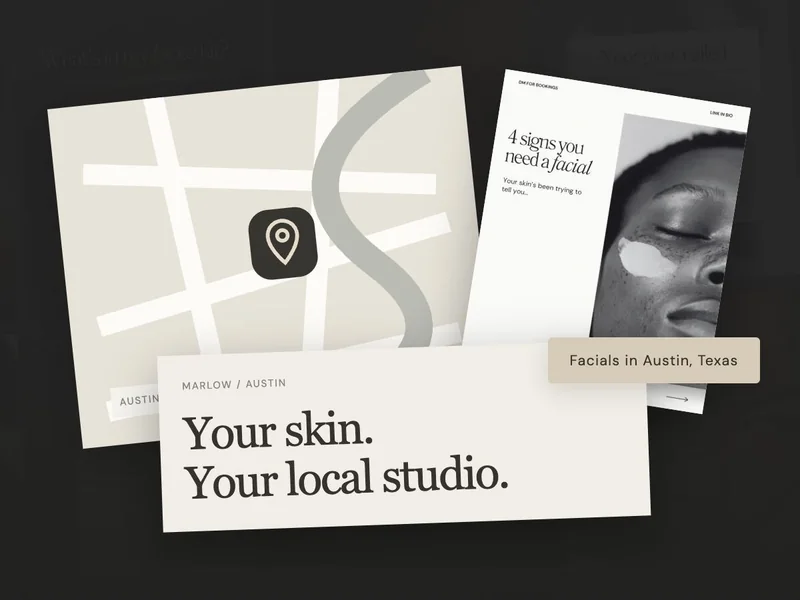
Adding your city helps the person watching decide whether a visit is practical. When you review a Reel, look at local enquiries alongside its view count to understand who is responding.
What should I look at in Instagram Insights?
Now open a post’s Insights on your professional account. You may see different details for different formats, so start with one question you want to answer rather than trying to make sense of every number at once.
| Your question | What to look for | What to do with it |
|---|---|---|
| Did new people see this? | Follower and non-follower breakdown, where available. | Check whether the opening makes sense to a stranger. |
| Did people stay? | Watch time or retention for video, where shown. | Look for a slow opening or a point that needs a clearer explanation. |
| Did they respond? | Likes, comments, saves, shares and replies. | Read the questions. Use them to choose your next explanation. |
| Did it help the business? | Service enquiries and completed bookings in your own records. | Ask new clients how they found you. Keep this separate from views. |
It’s also worth separating views from reach. Views can include repeat viewing, while accounts reached counts distinct accounts. Neither figure, on its own, tells you whether the people watching live nearby or want your service.
For the metrics available on your account, use Instagram’s Insights help. Compare similar formats over the same amount of time, rather than a new Story with a month-old Reel.
What should I change in my next post?
- If strangers lack context: name the service and make the first line easy to understand.
- If viewers keep asking the same thing: answer it plainly in your next post or Highlight.
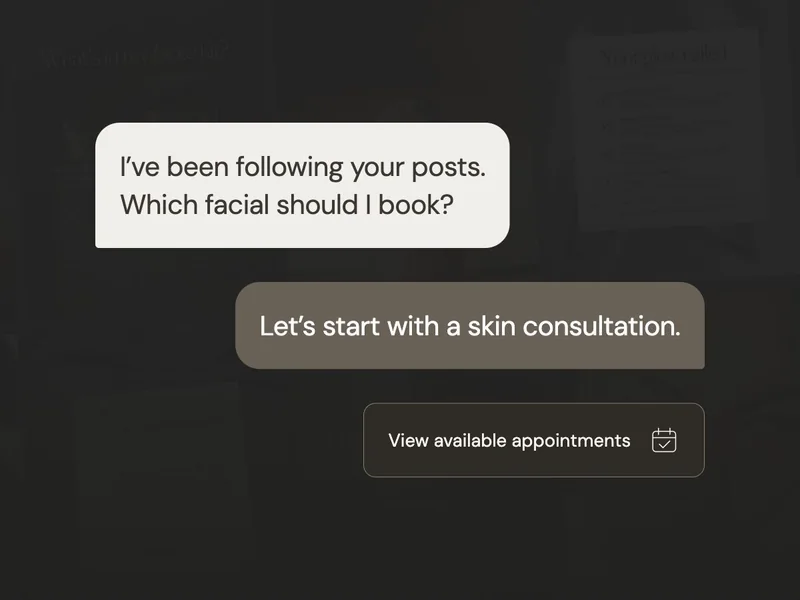
- If people ask how to book: show the exact service name and link route.
- If reach is low: review several posts before deciding one format has failed.
Choose one change you can explain, such as making the opening clearer or naming the service in the booking instruction. Watch what happens across several posts. You’re looking for useful patterns that help you communicate with potential clients, rather than a verdict on your business from one result.
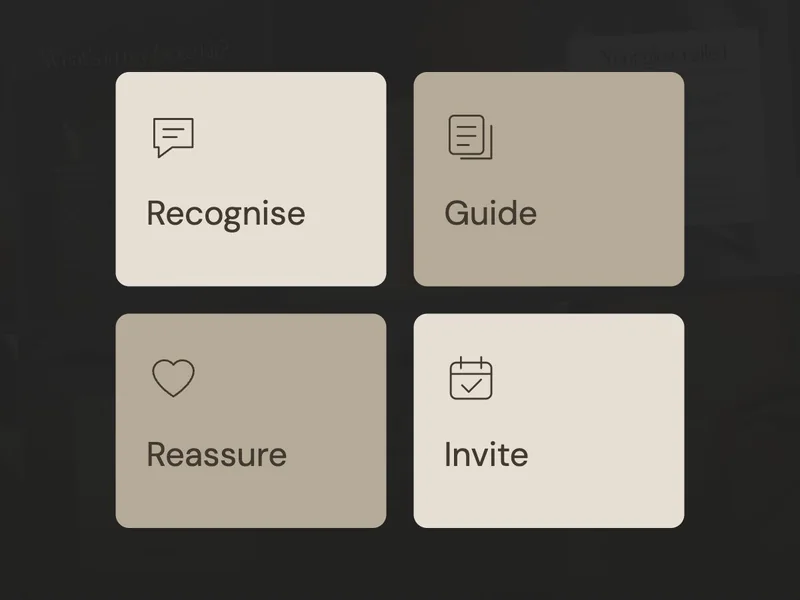
If you’re ready to plan your next post, our guide to the four jobs your posts can do will help you choose its message. If engagement is there but appointments are still quiet, work through the posting without bookings checklist.